Introduction
Flowable Hub is the administration and monitoring application for Flowable. It connects to one or more runtime environments and gives you full visibility and control over everything that runs there — deployed applications, process and case instances, tasks, jobs, decisions, AI agents, content, and system health. Hub also manages identity and access, both for the runtime environment and for Hub itself.
Hub is built with a modern React interface and provides rich operational dashboards, AI agent monitoring, and a redesigned role-based permission model.
Logging in
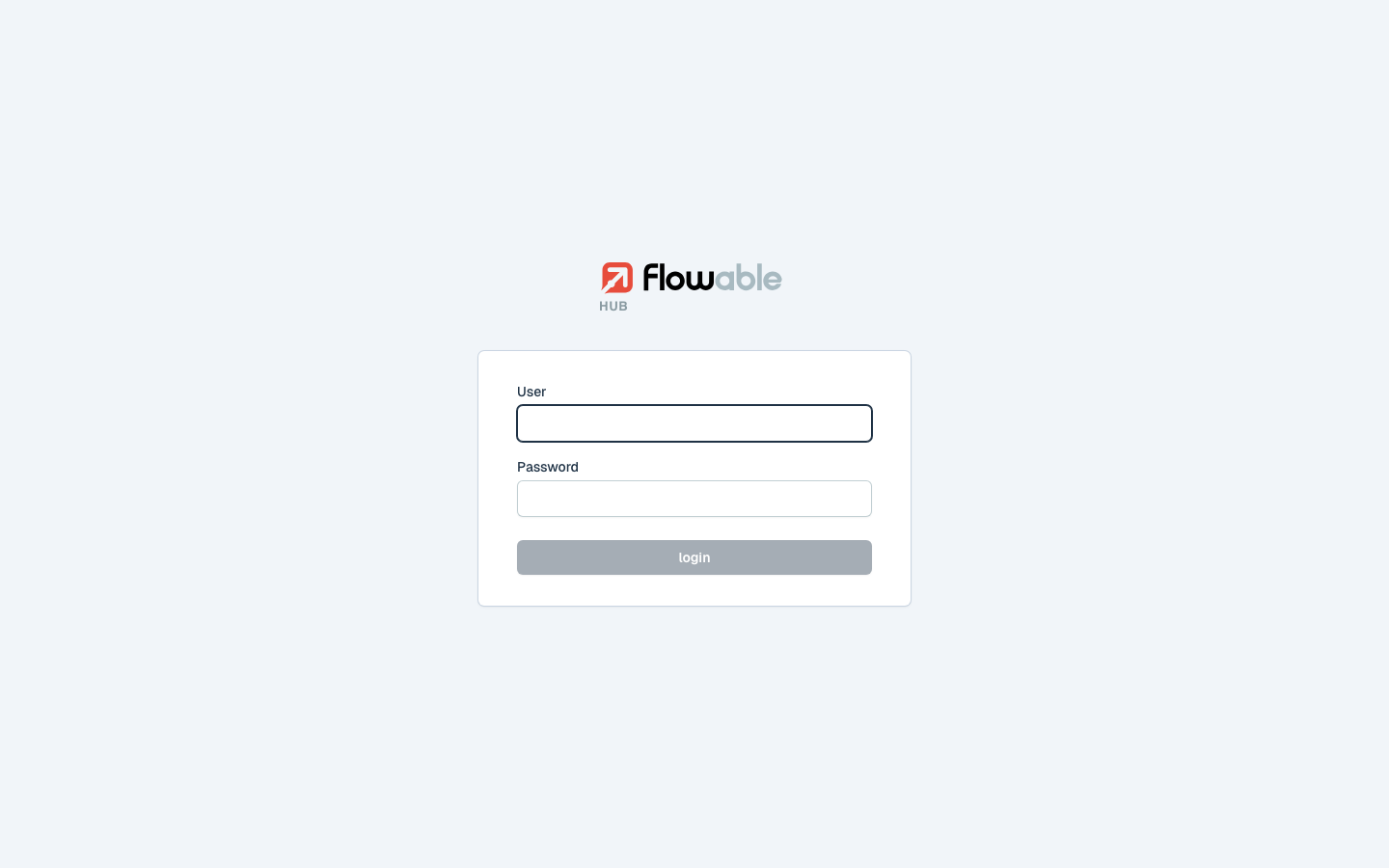
Open Hub in your browser (for example http://localhost:9003) and sign in with your Flowable credentials.
Layout
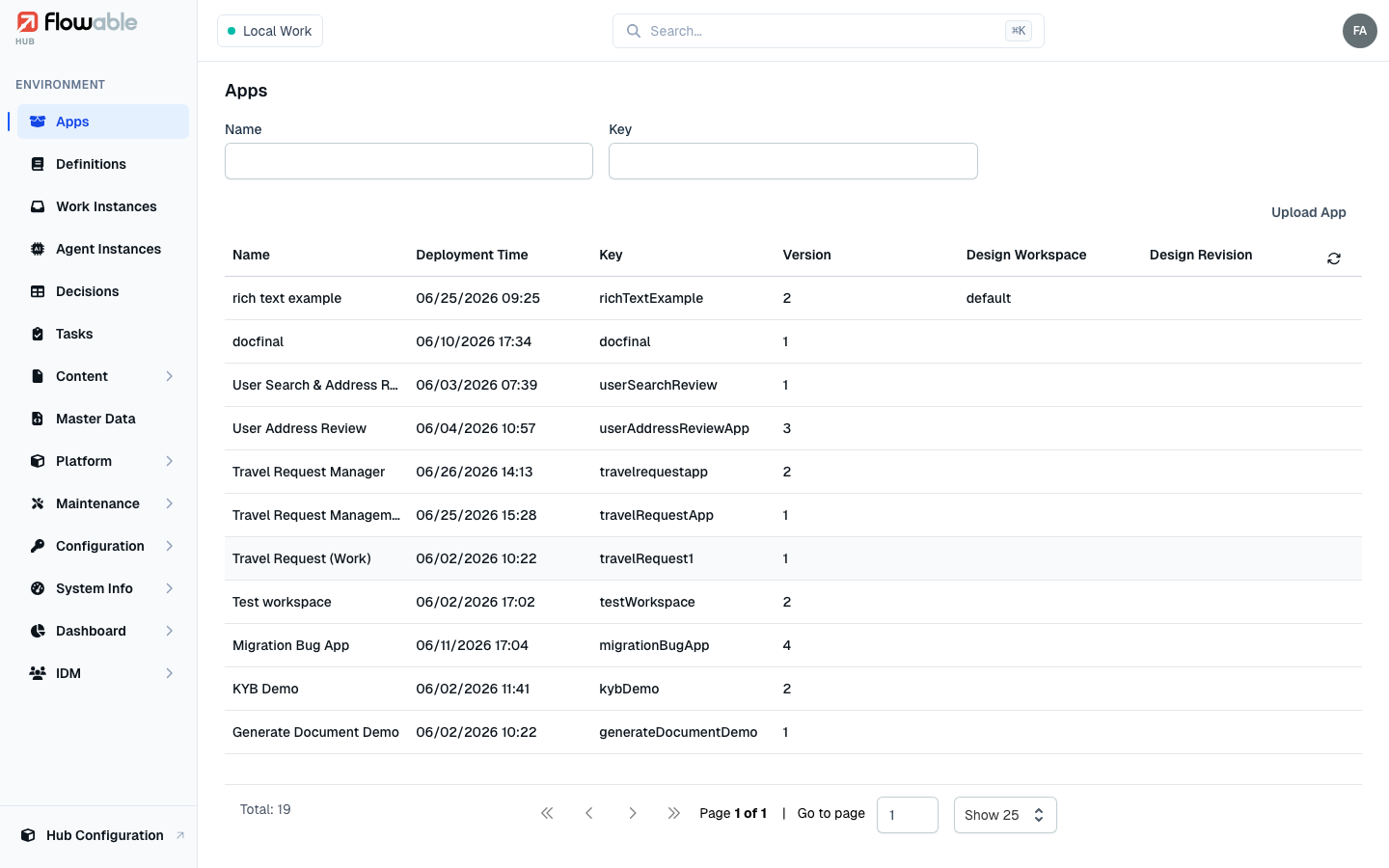
After signing in you land in an environment. The interface is organized into three areas:
- The left sidebar lists every section of the active environment, grouped into collapsible categories such as Platform, Maintenance, Configuration, Dashboard and IDM.
- The top bar contains the environment selector (top-left), a global search box, and your user menu (top-right).
- The main panel shows the content of the selected section — usually a filterable, paged list that you can click into for a detail view.
Environments
The selector in the top-left corner (for example Local Work) shows the environment you are currently connected to. An environment is a Flowable runtime cluster. If you have access to more than one environment you can switch between them here. Environments are configured under Hub Configuration → Clusters.
Global search
The search box in the top bar (shortcut ⌘K / Ctrl+K) lets you quickly jump to a section or look up an
instance, task or definition without navigating the sidebar.
Hub Configuration
The Hub Configuration entry at the bottom of the sidebar switches from the environment view to Hub's own administration area, where super-administrators manage clusters, Hub users, groups, roles, permissions and the license. See Hub Configuration.
Start here
New to Hub? Read Navigating Hub first — it explains the drill-down model the whole application is built on (you typically start from an app or a work instance and follow the links from there). The pages below then cover each area in detail.
What you can do in Hub
| Area | Sections |
|---|---|
| Getting around | Navigating Hub |
| Applications & work | Apps, Definitions, Work Instances, Migration, Tasks, Decisions, Agent Instances |
| Content & data | Content, Master Data |
| Platform | Form Instances, Action Instances, Sequence Values, SLA Audit |
| Operations | Deployments, Jobs, Incidents, Batches, Housekeeping, Indexes, System Info |
| Monitoring | Health Dashboard, Dashboards |
| Configuration | Tenant Variables, OAuth2 Clients, Secrets, Agent Connections, Agent Model Prices |
| Identity & administration | IDM, Hub Configuration |
See the Glossary for definitions of the terms used throughout this guide.