Definitions
Every app is built from models that are turned into definitions when deployed to a runtime environment.
A definition is the immutable blueprint the engine uses to start new instances — a ProcessDefinition for
BPMN, a CaseDefinition for CMMN, and so on. Each time an updated model is deployed, a new version of the
definition is created, so existing instances keep running against the version they started on.
The Definitions view covers every kind of model, not just processes and cases — forms, decisions, agents, data objects, master data, SLAs, sequences, knowledge bases, templates, channels, events, actions, documents and user definitions all appear here.
Definition list
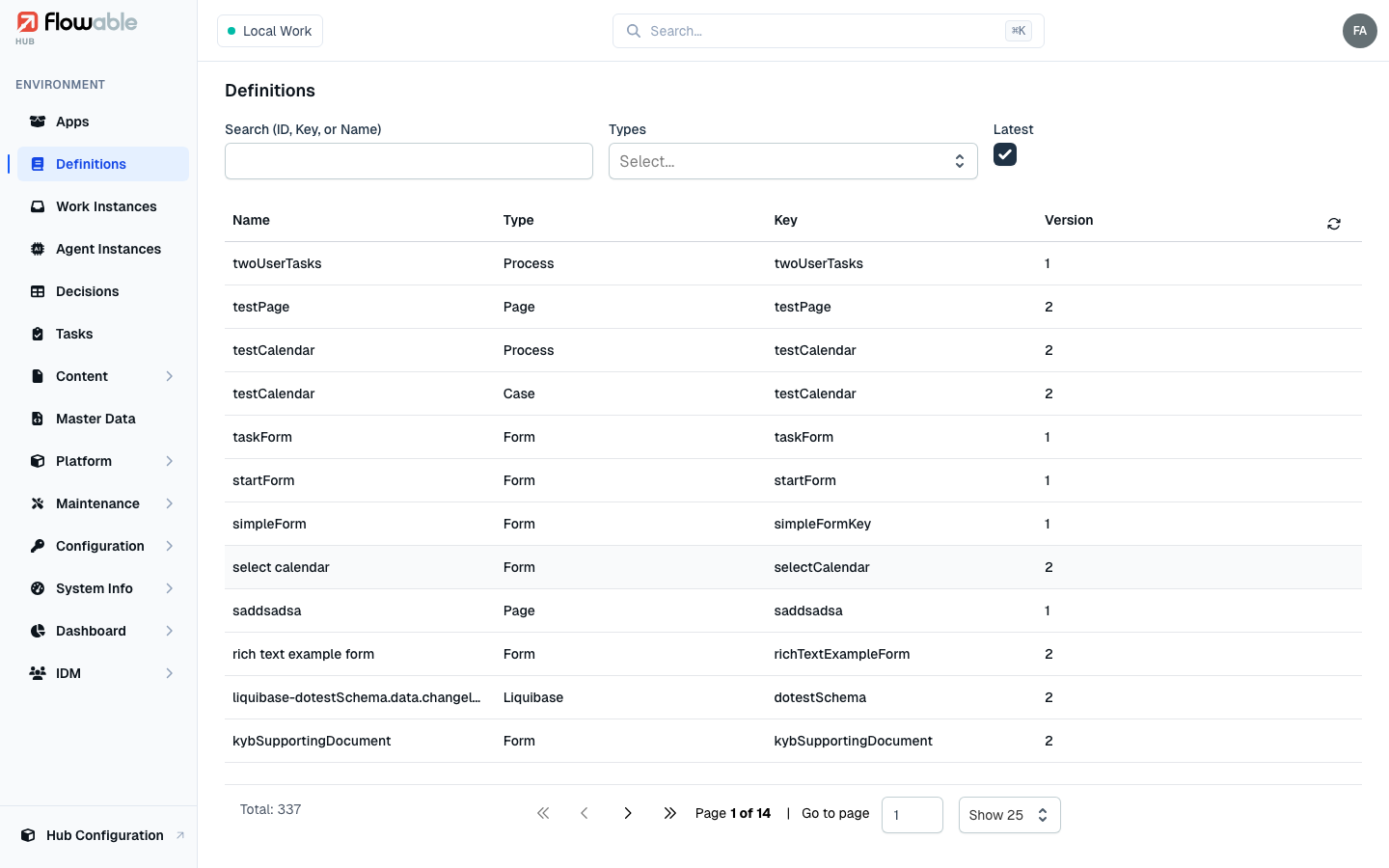
The Definitions page lists all definitions available in the environment, with each one's Name, Type, Key and Version. Search by ID, key or name; filter by Type (model type); and tick Latest to show only the newest version of each definition. In a multi-tenant environment you can also scope by tenant. The type icon and key prefix make it easy to tell, say, a process from a case at a glance.
Definition details
Click a definition to open its detail view. For processes and cases the top of the page shows a collapsible diagram of the model; decision tables and services show their DMN diagram instead. A Version selector in the header lets you move between versions.
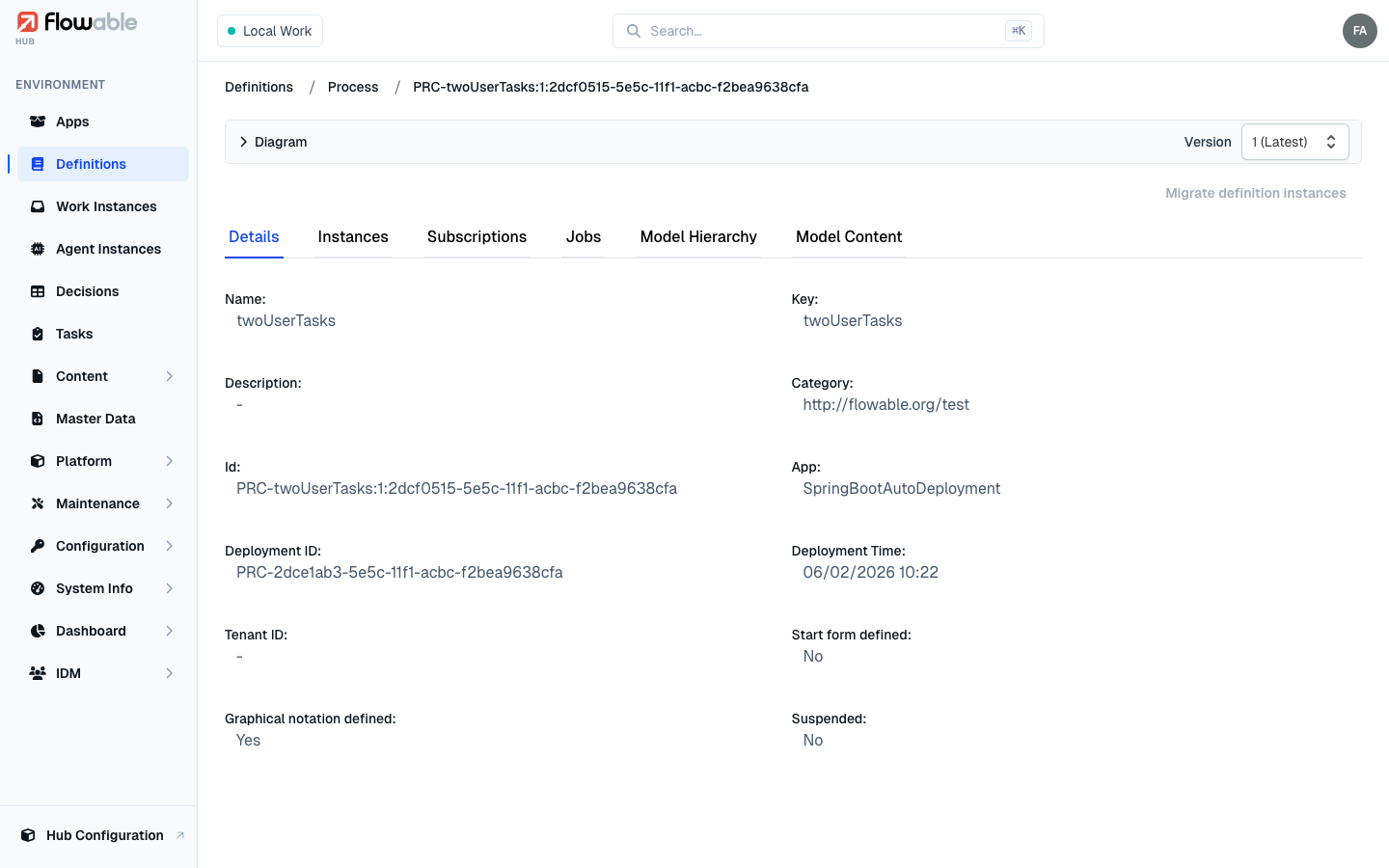
The tabs shown depend on the definition's type. The most common are:
- Details — core metadata such as key, name, category, deployment ID and time, tenant, and whether a start form or graphical notation is defined.
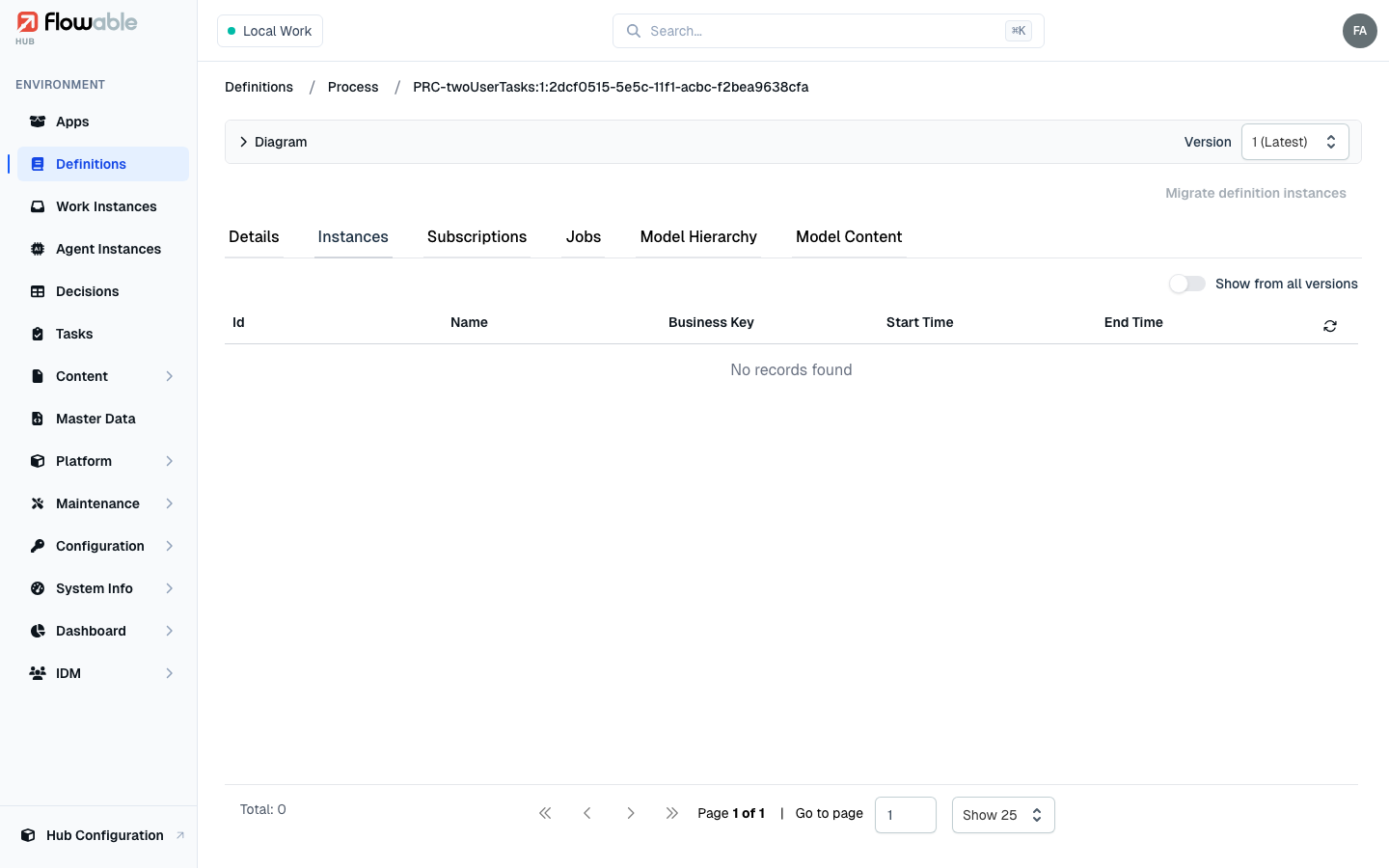
- Instances — the instances started from this definition. For processes and cases a Show from all versions toggle widens the list from this exact version to every version of the definition. Click an entry to jump to the corresponding Work Instance. (For other types this tab shows the matching runtime records — agent instances, data-object instances, SLA audits, form instances, action instances, and so on.)
- Decisions — for decision services and tables, the executions that have run.
- Subscriptions — event subscriptions (such as message or signal start events) registered for the definition.
- Jobs — background jobs associated with the definition.
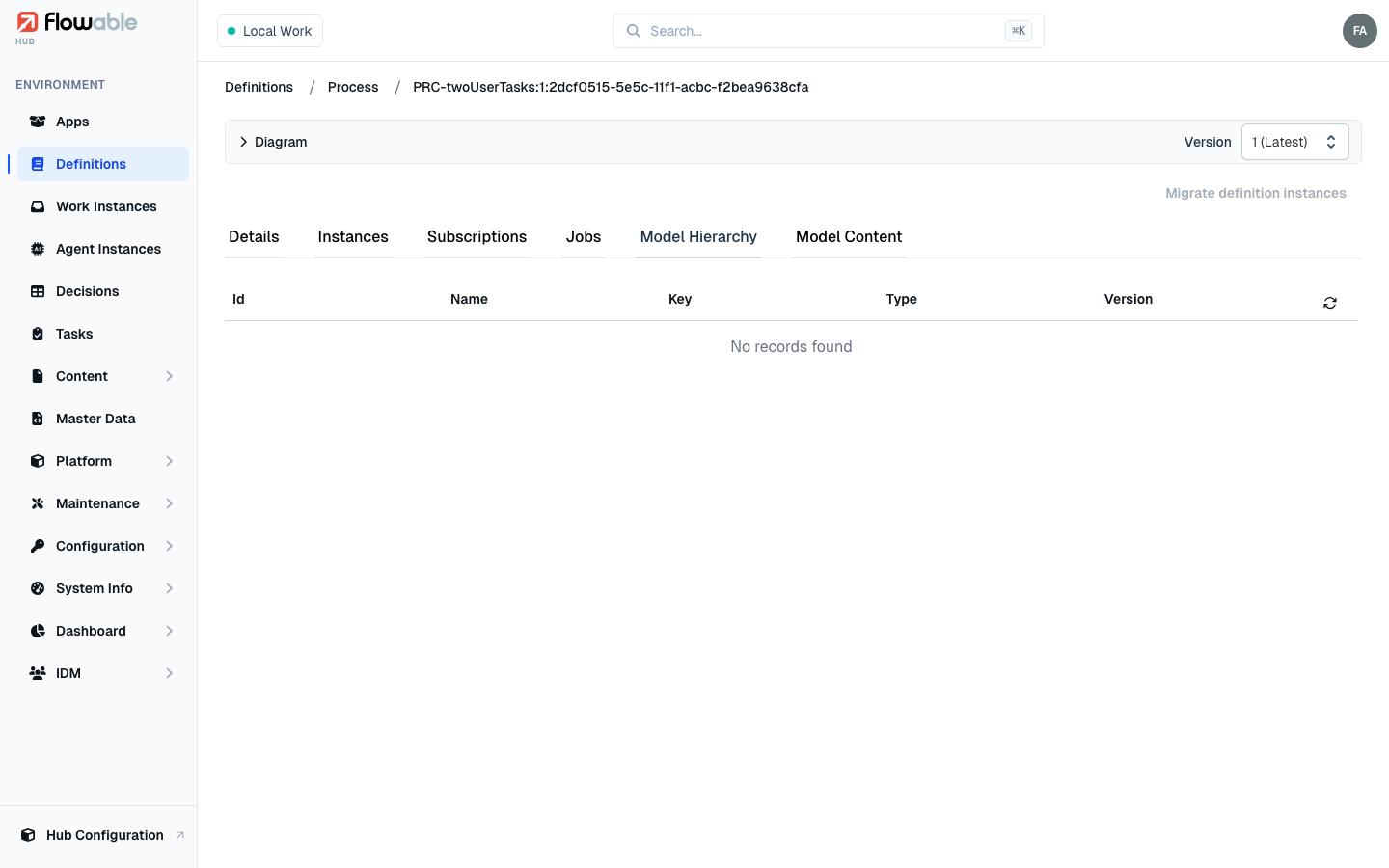
- Model Hierarchy — how the definition relates to other models, including linked sub-processes and reusable components.
- Model Content — the raw model (for example the BPMN or CMMN XML/JSON).
Type-specific tabs round this out — a Preview for forms, Values for sequences, Variations for templates, Content Items for documents, and Items/Links for knowledge bases.
Versions and migration
The Version selector lets you read any historical version of the definition. When a newer version has been
deployed and instances are still running on an older one, the Migrate definition instances action (top-right,
requiring the hub:definition:general:migrate-instances permission) moves those running instances onto a target
version with a guided, visual mapping of the activities. It is enabled only when the definition has more than one
version. Case definitions additionally offer Migrate historic definition instances to re-migrate already
completed instances, and data-object schema definitions offer Liquibase update / rollback actions to
manage the underlying database schema.
Migration is a significant operational topic in its own right — see the dedicated Migration guide for the full walkthrough (assisted vs. manual mapping, the activity-mapping editor, expert JSON mode, child process/case migration, and execution).