Decisions
The Decisions view gives a clear record of all DMN-based decision logic executed within the environment. Each entry corresponds to a single execution of a decision — a decision table or a decision service — so you can confirm that business rules are being evaluated as expected and spot failed evaluations.
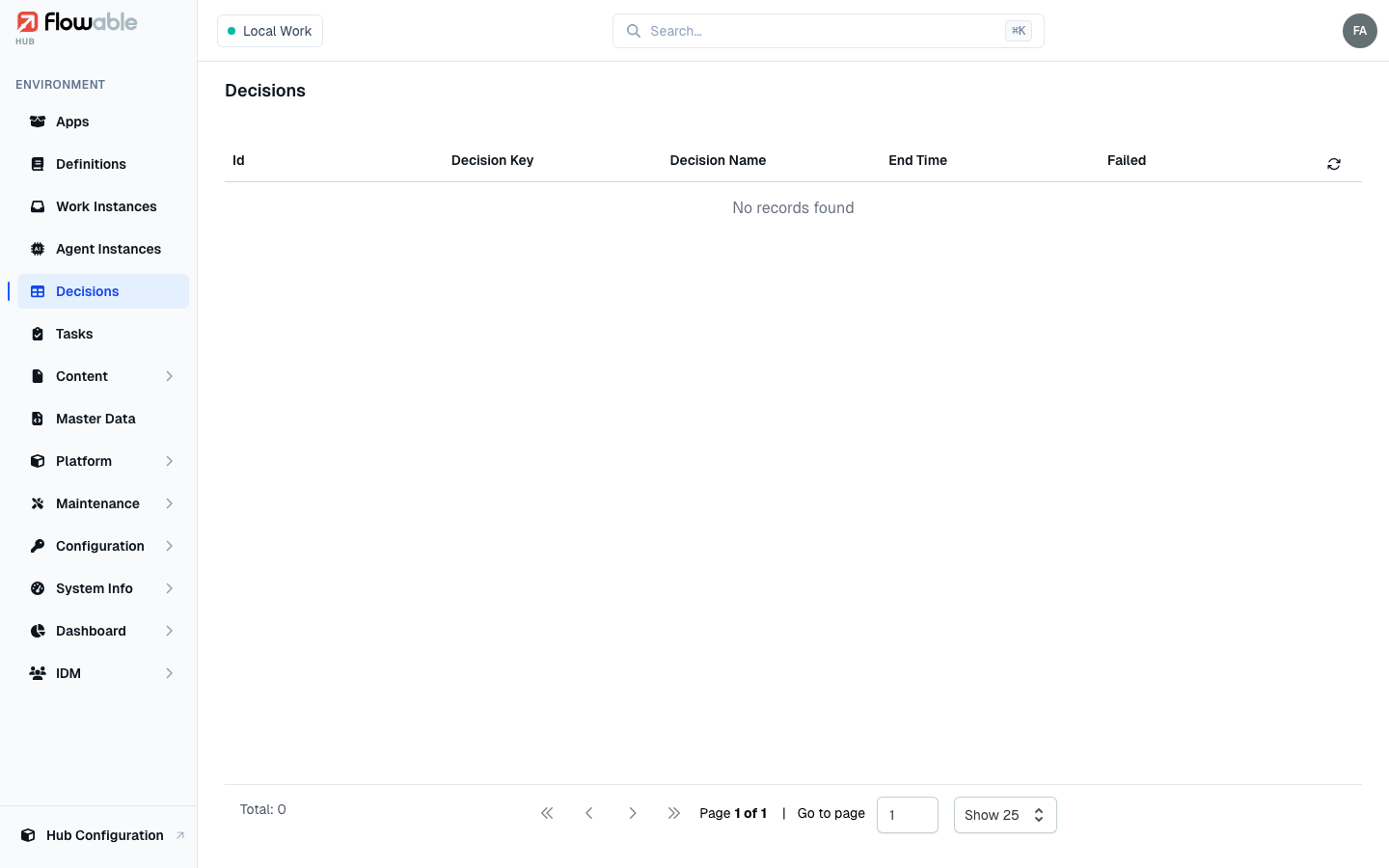
Decision list
The list shows each decision execution with its Id, Decision Key, Decision Name, End Time and a Failed flag. In a multi-tenant environment you can scope the list to a tenant.
Decision details
Click a decision execution to open its detail view. A collapsible diagram shows the DMN model, and two tabs give the specifics of that evaluation:
- Details — the definition and deployment IDs, decision key, version and name, the process or case instance the decision ran for, whether it failed, and its start and end times.
- Audit Data — the evaluation record itself: the hit policy, whether strict mode was enabled, the result produced, the rule executions (the individual rules that fired, or the child executions of a decision service), and the input variables that were supplied (each shown as name (type) → value). The view distinguishes a decision service from a single decision table.
Decisions are typically executed as part of a process or case; from a Work Instance you can use the Decisions tab to see the decisions that ran for that instance.