Master Data
Master data is reference data managed centrally and reused across your applications — for example country lists, product catalogues or organizational data. The Master Data view in Hub lets you browse, create, import and maintain the master data instances stored in the environment.
Master data list
The list shows master data instances with their Id, Name, Key and State. Pick a definition to scope the list to one kind of master data, filter by state (Active, Archived or other) or by name, and, in a multi-tenant environment, by tenant.
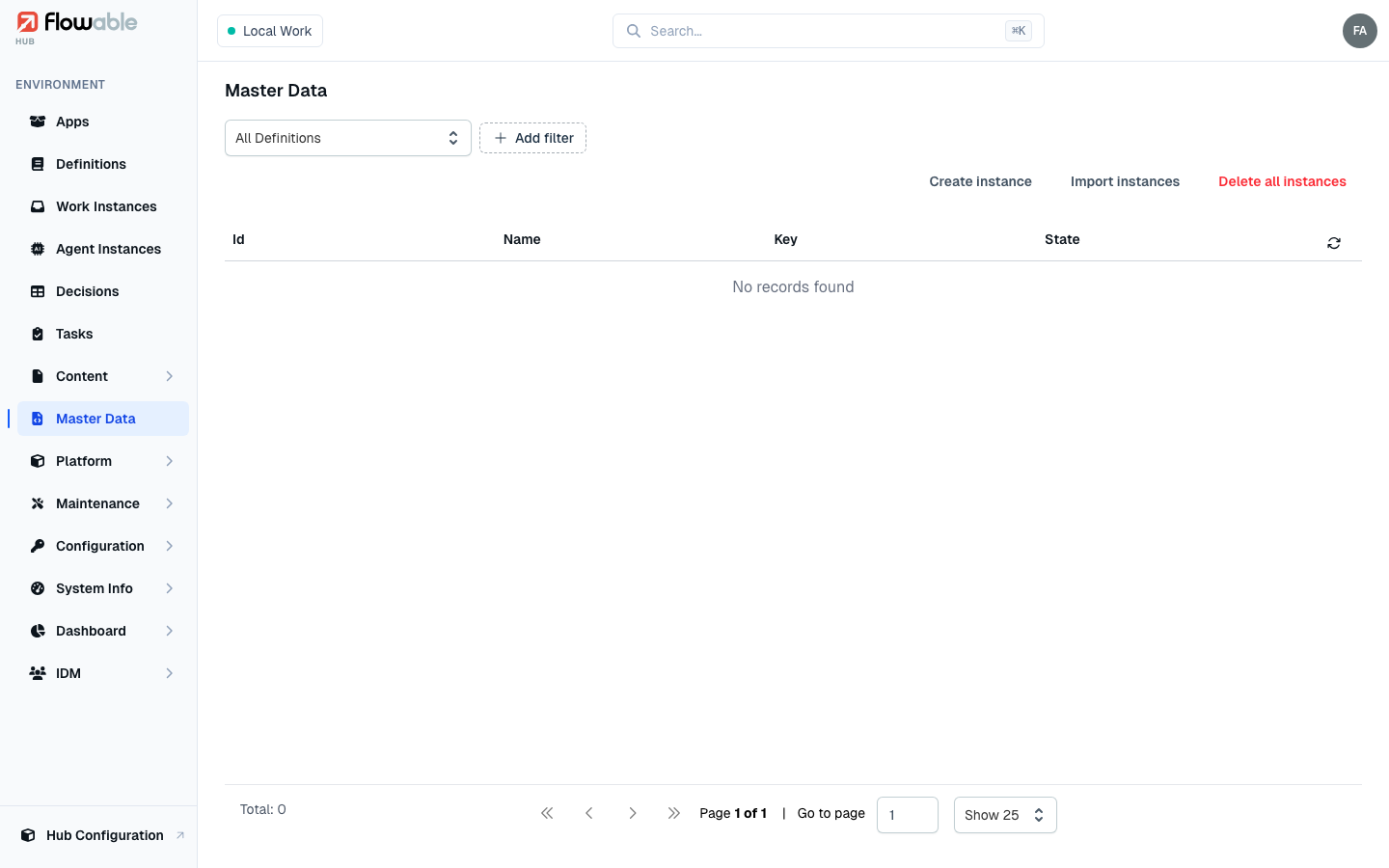
The toolbar offers bulk operations, each gated by permission:
- Create instance — add a single instance under a chosen definition (
hub:instance:master-data:create). - Import instances — upload a JSON file of instances, optionally overwriting existing data
(
hub:instance:master-data:create). - Delete all instances — remove every instance of a selected definition
(
hub:instance:master-data:delete).
Master data details
Click an instance to open its detail view, which has two tabs:
- Details — the instance's name, key, external ID, state, sort order, favourite flag and audit timestamps.
- Variables — the instance's stored values, which you can add, edit and delete.
The header offers Update instance (hub:instance:master-data:update) and Delete instance
(hub:instance:master-data:delete) for maintaining a single record.