Users
The IDM section manages the identities used by the runtime environment — the users and groups that authenticate against Work and are referenced as assignees, candidates and participants in your processes and cases.
Note: IDM manages identities within the selected environment. Hub's own administrators (who can sign in to Hub and manage clusters) are managed separately under Hub Configuration.
User list
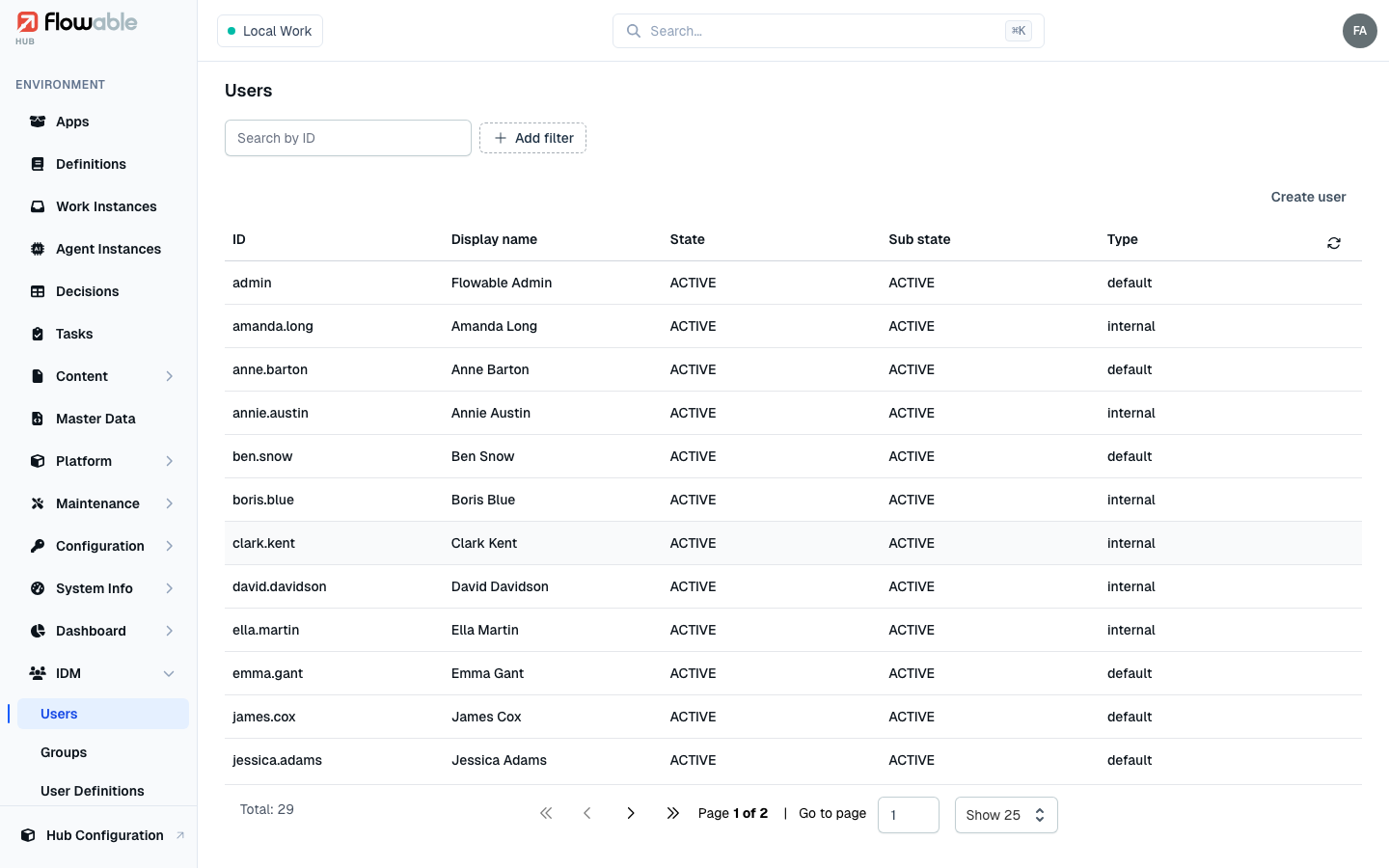
The Users view lists the environment's users with their ID, Display name, State, Sub state
and Type. Filter by ID, display name, email, first or last name, group membership, or state to find someone.
Create user is available with the hub:idm:user:create permission.
Creating a user
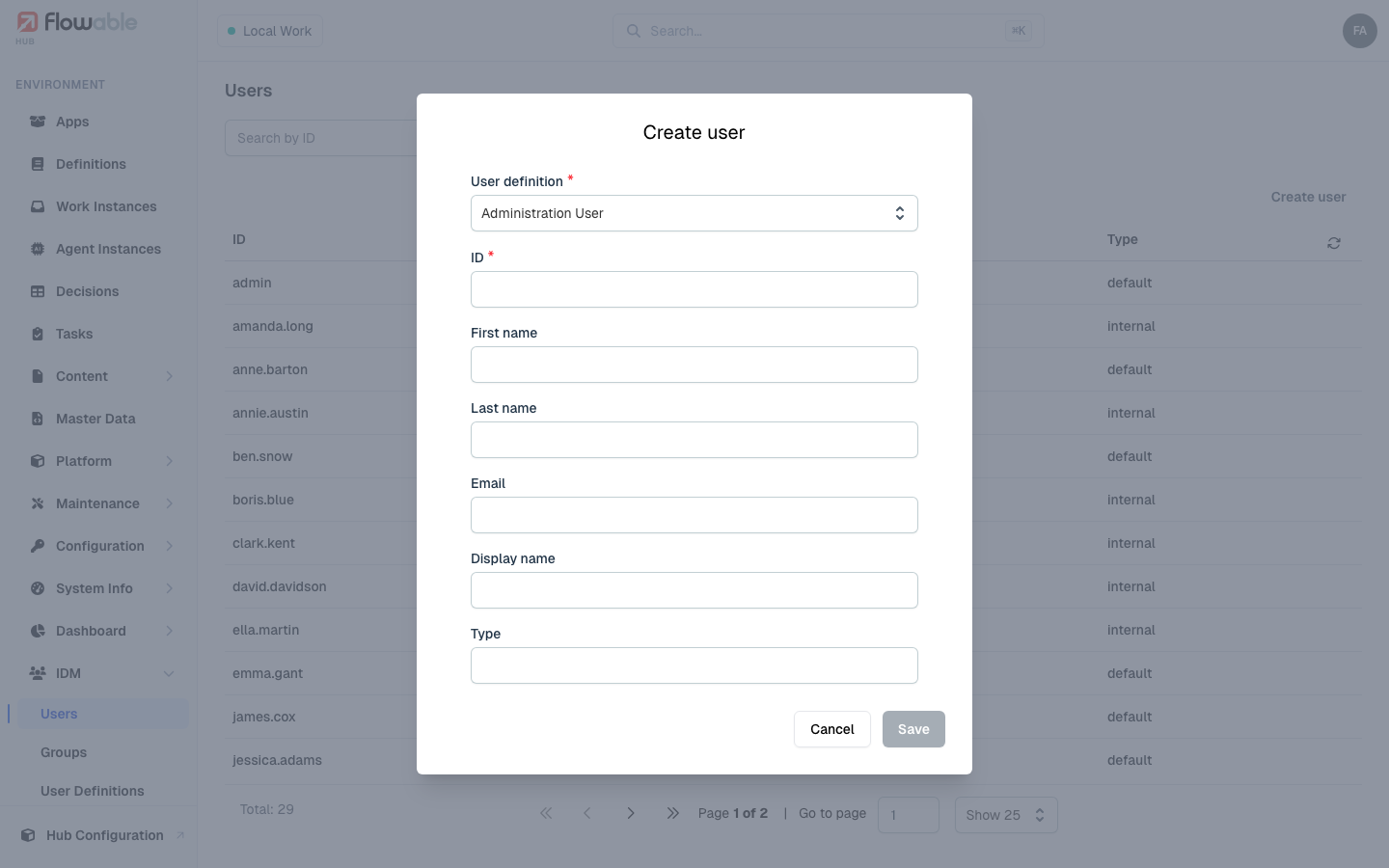
Create user captures the identity fields — ID (the login name), first and last name, email, display name and type. When creating a user you also choose the user definition that shapes their record (see User Definitions) and, in a multi-tenant environment, the tenant.
User details
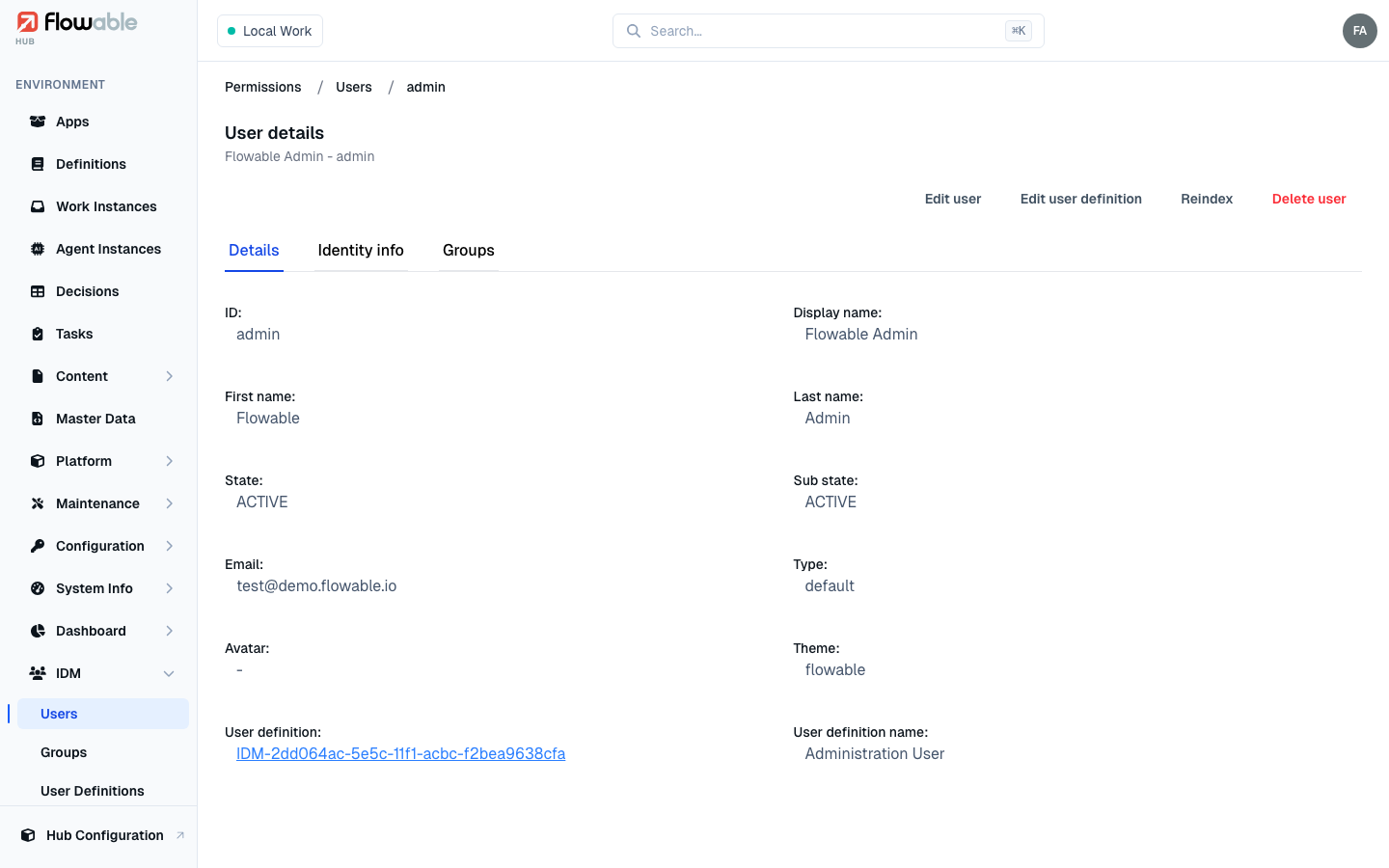
Open a user to see three tabs:
- Details — the full profile, including the linked user definition, avatar and theme.
- Identity info — additional identity attributes, as editable name/type/value entries.
- Groups — the IDM groups the user belongs to; add or remove memberships here (governed by the group permission).
The header offers Edit user and Edit user definition (hub:idm:user:update), Reindex to refresh the
user in the search index (hub:cluster:reindex), and Delete user (hub:idm:user:delete).