Groups
Groups organize the users of the environment so that task assignments and candidate lists can be managed by team or role rather than per individual. (These are the environment's IDM groups; the groups that grant access to Hub itself live under Hub Configuration → Access Control.)
Group list
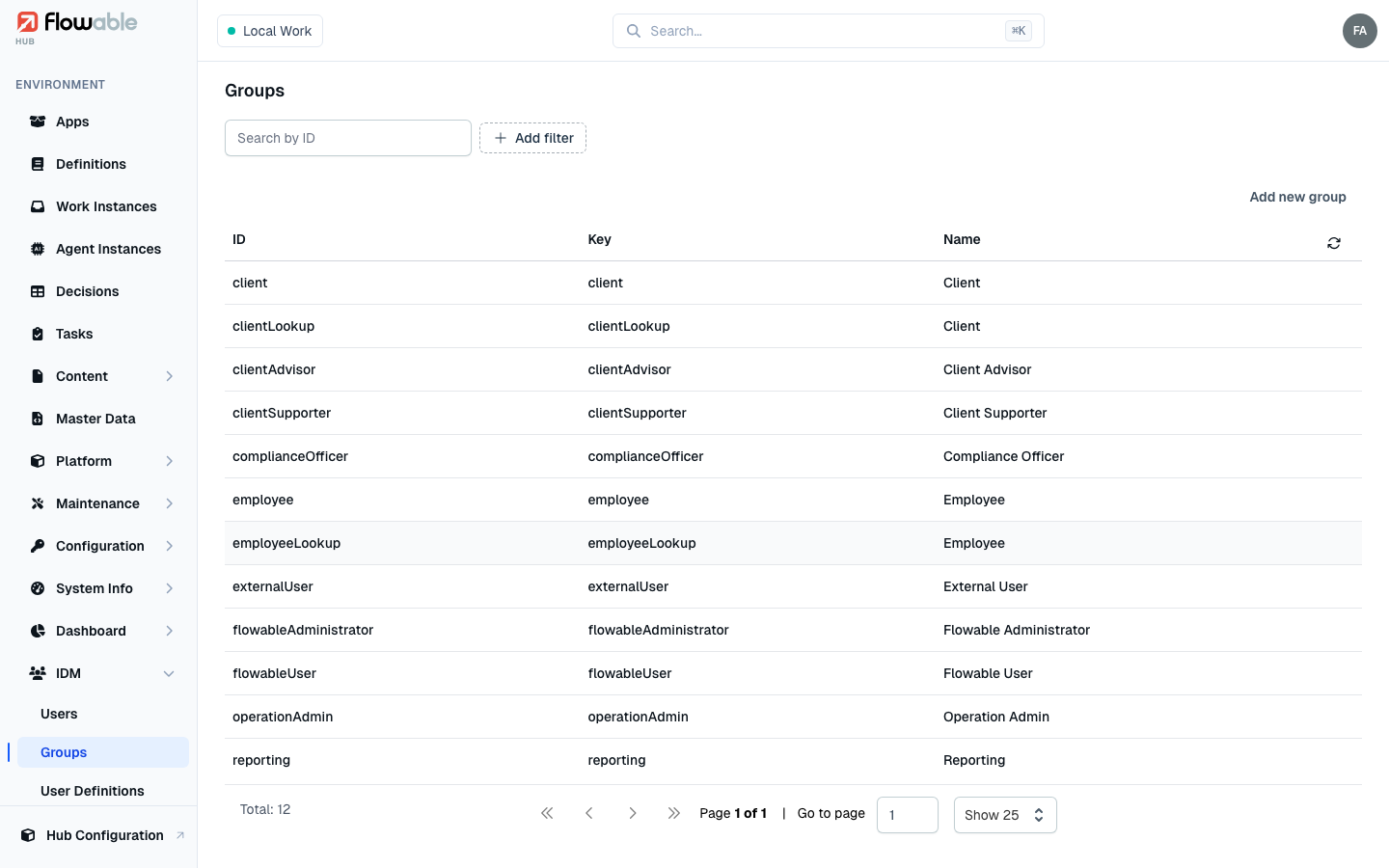
The Groups view lists the environment's groups with their ID, Key and Name. Filter by ID, key,
name, type or membership. Add new group is available with the hub:idm:group:create permission.
Creating a group
Creating a group captures its ID, Name and Type, which determine how users are organized and how the group is referenced.
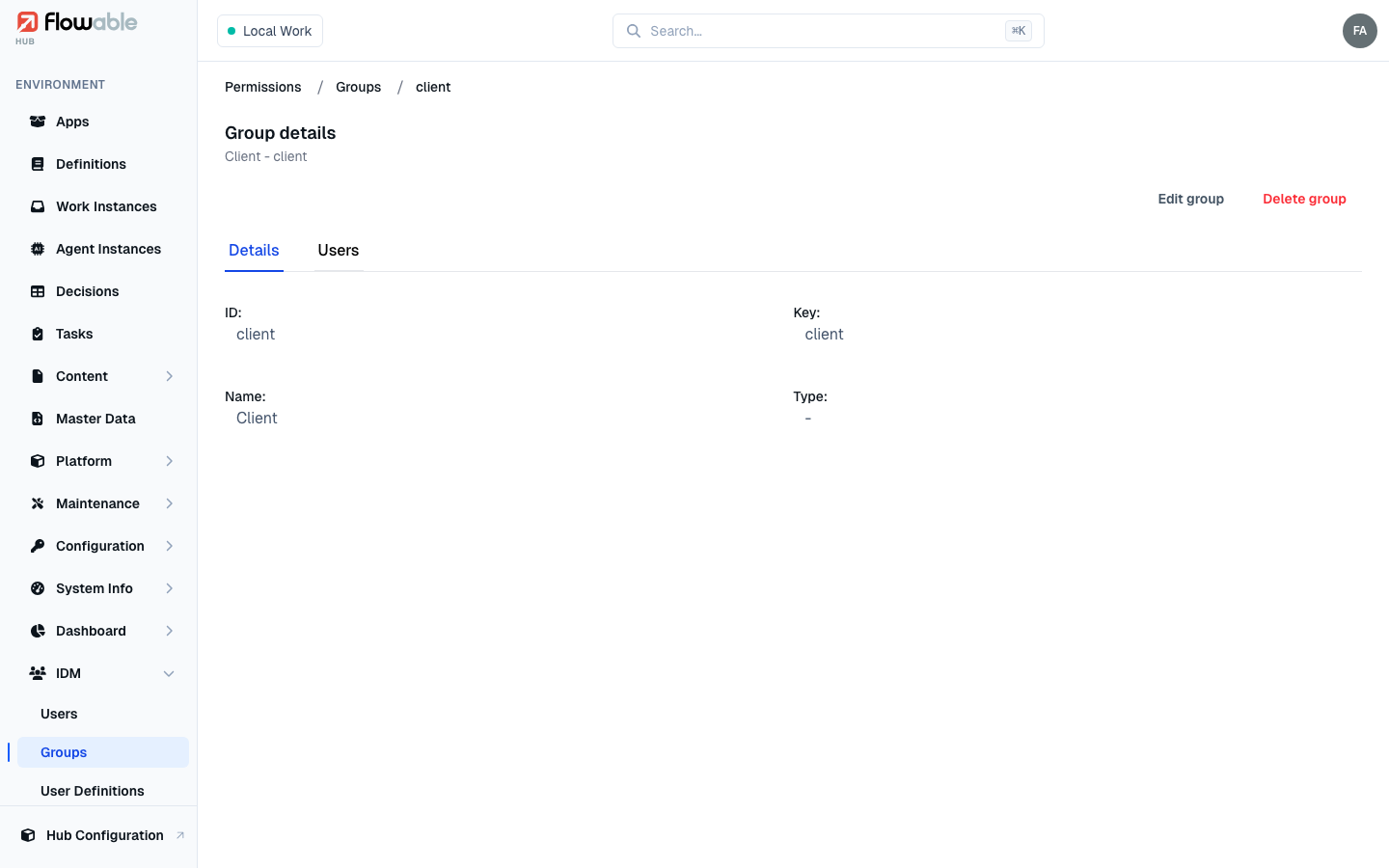
Group details
Open a group to see two tabs:
- Details — the group's ID, key, name and type, with Edit group (
hub:idm:group:update) and Delete group (hub:idm:group:delete) actions. - Users — the group's members; add or remove users here (governed by
hub:idm:group:update).