Tasks
The Tasks view gives visibility into both active and completed human tasks across the environment. For active tasks it also offers a set of management actions, so administrators can intervene when a task is stuck, misassigned, or needs to be pushed to completion.
Task list
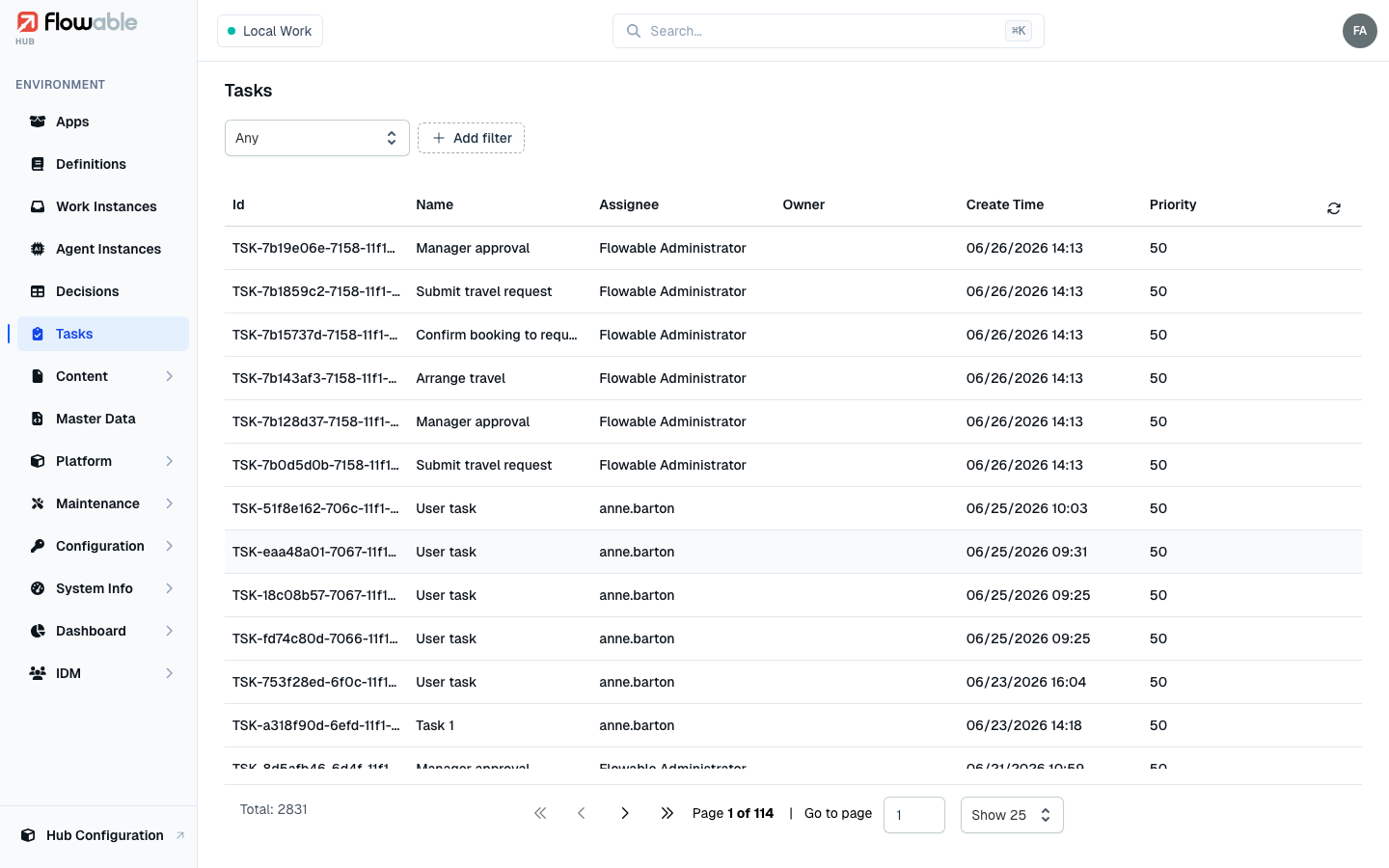
The list shows every task with its Id, Name, Assignee, Owner, Create Time and Priority. Use the Status selector (Any by default) to filter between active and completed tasks, and the additional filters to narrow by name, ID, definition key, scope (instance) ID, assignee or owner, and due / created / completed date ranges.
Task details
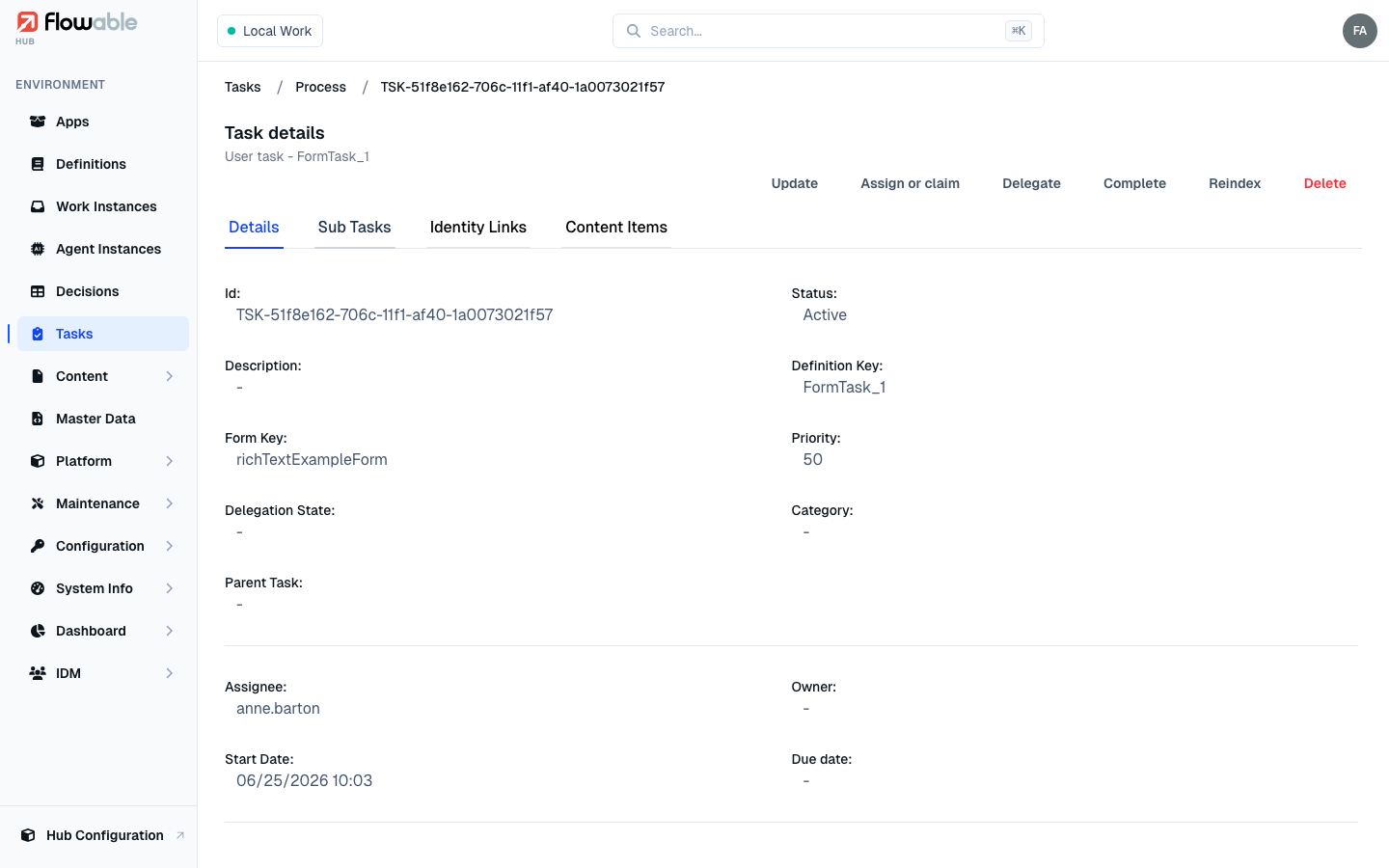
Click a task to open its detail view. The tabs are:
- Details — task metadata such as name, description, assignee, owner, due date, priority, category and form key.
- Sub Tasks — any child tasks linked to this task.
- Identity Links — the users and groups associated with the task.
- Content Items — documents and content attached to the task.
For an active task the header offers the management actions below (each requires the matching permission); completed tasks are read-only.
Updating a task
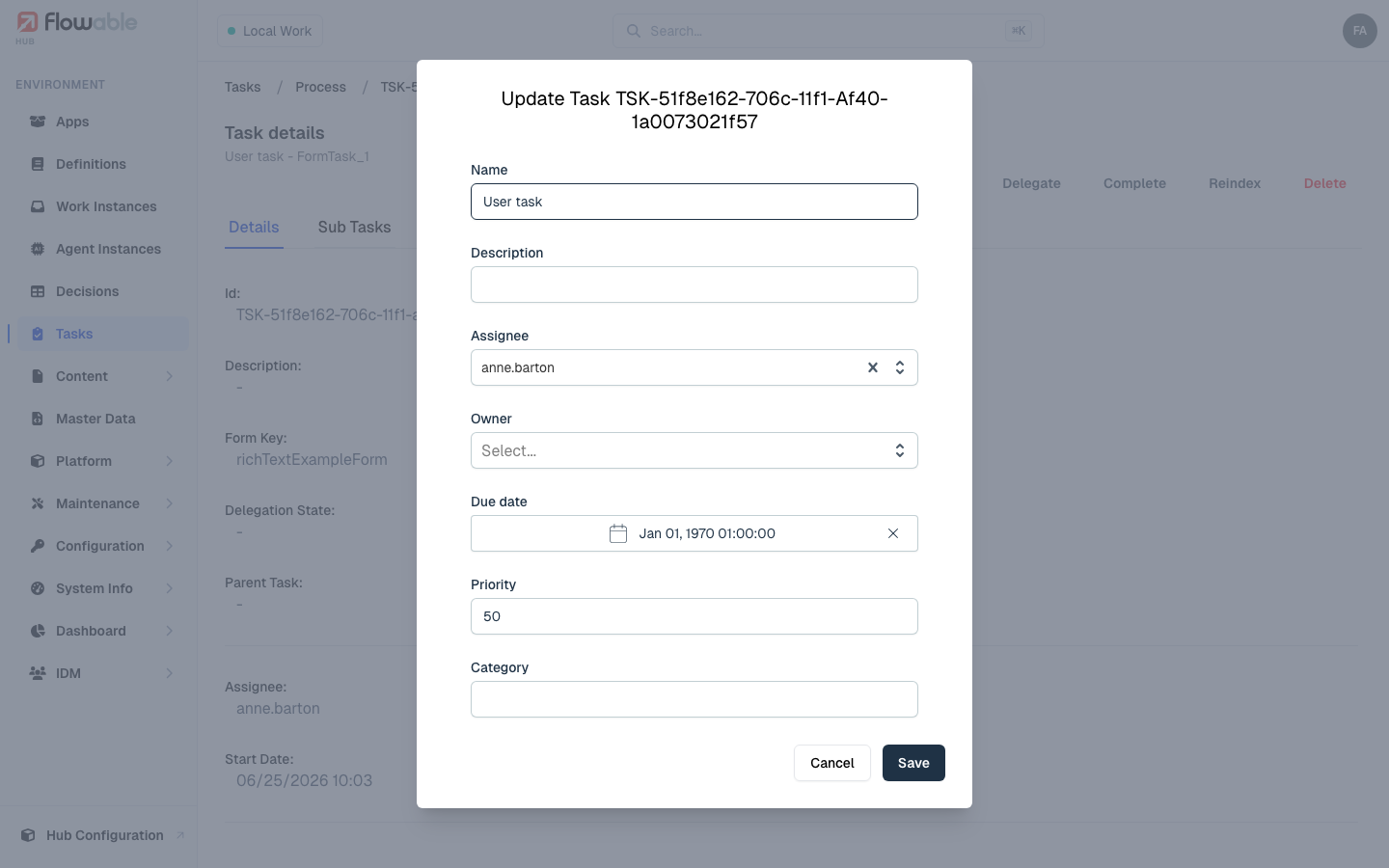
Update lets you modify the task's name, description, assignee, owner, due date, priority and category
(hub:instance:task:update).
Assigning or claiming a task
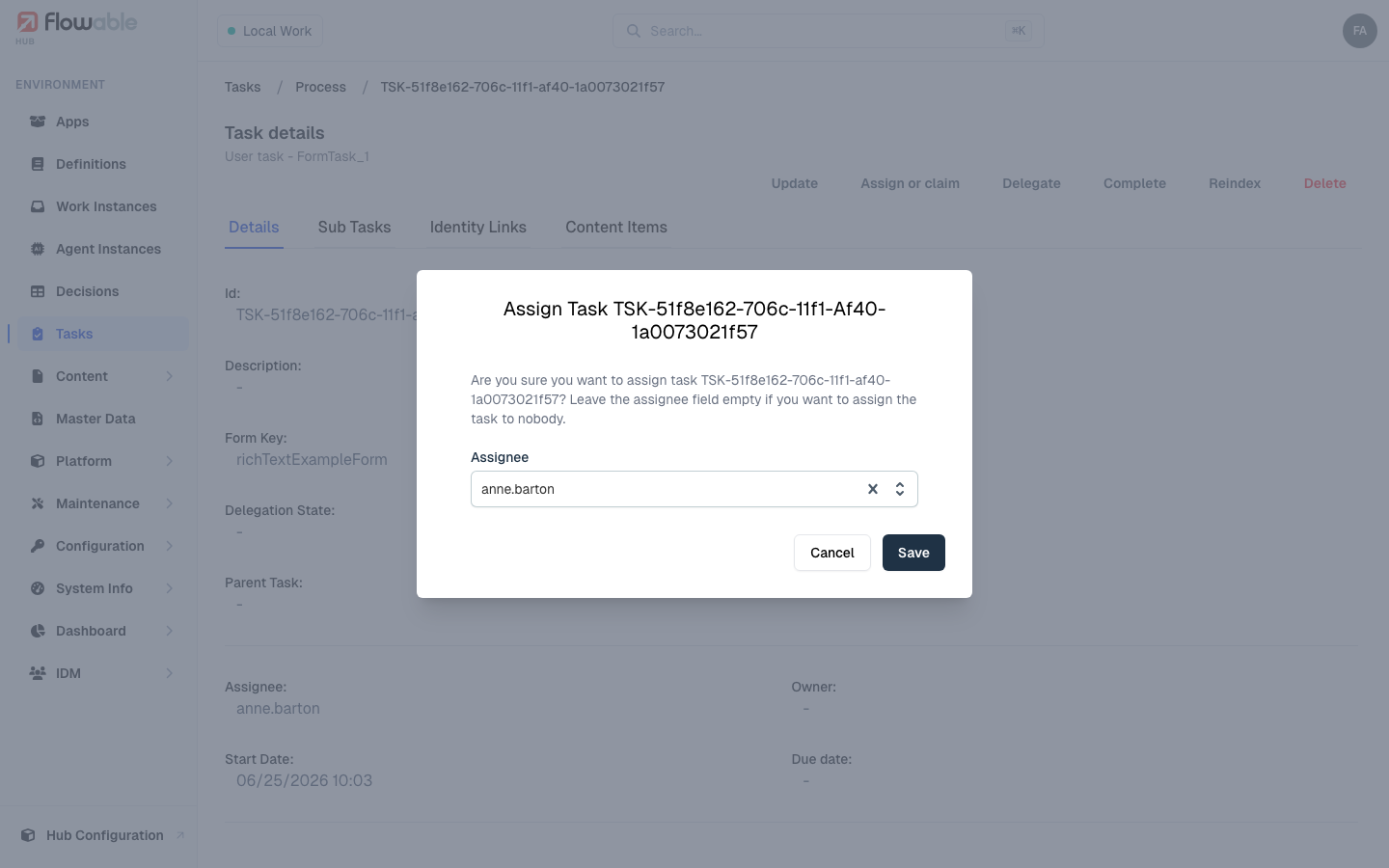
Assign or claim takes ownership of a task or assigns it to another user; leaving the assignee empty
un-assigns the task (hub:instance:task:assign).
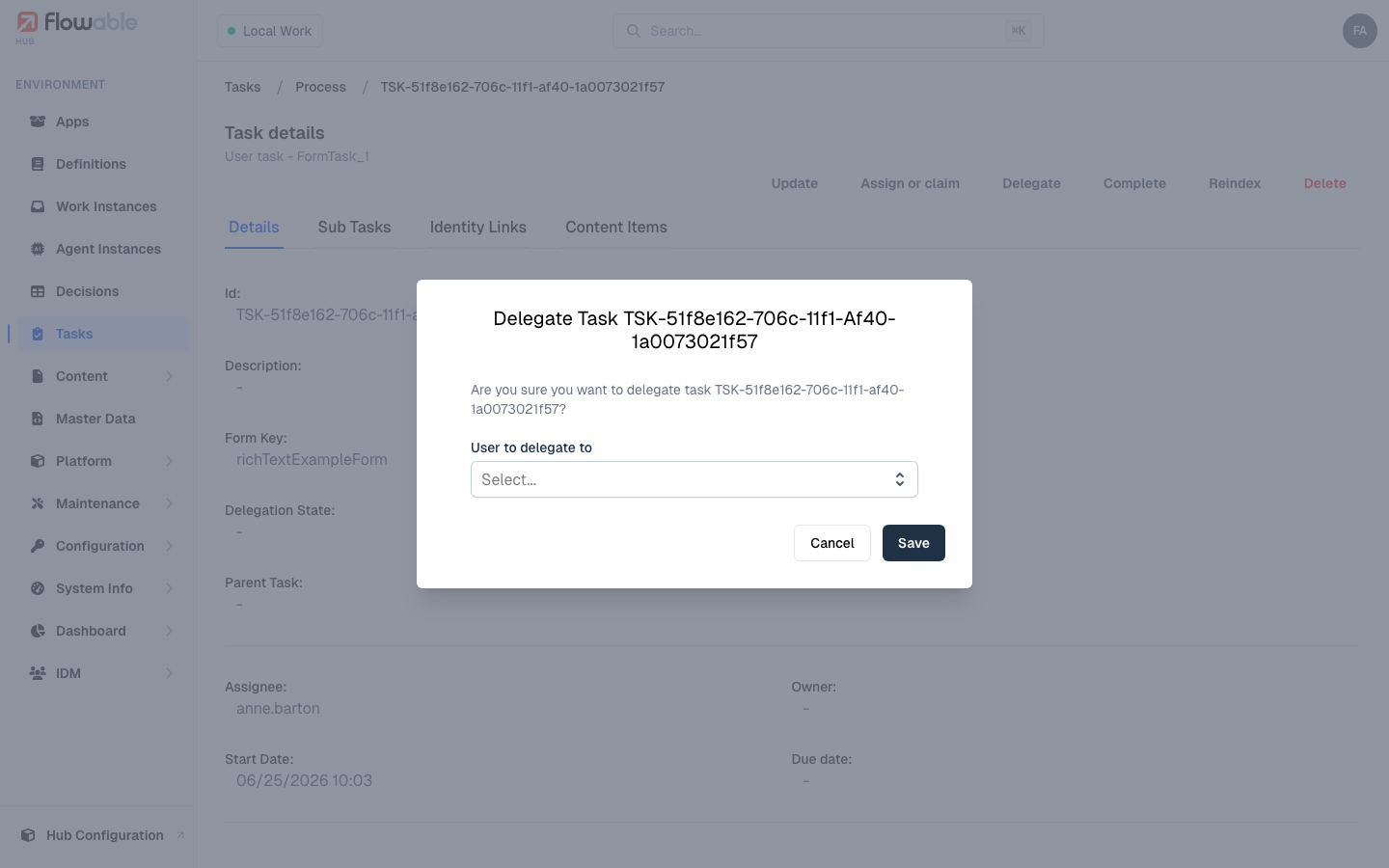
Delegating and resolving a task
Delegate passes a task to another user while keeping the original owner, so it can be returned once the
delegate has done their part. A delegated task then shows a Resolve action, which hands it back to the owner
(both use hub:instance:task:delegate).
Completing a task
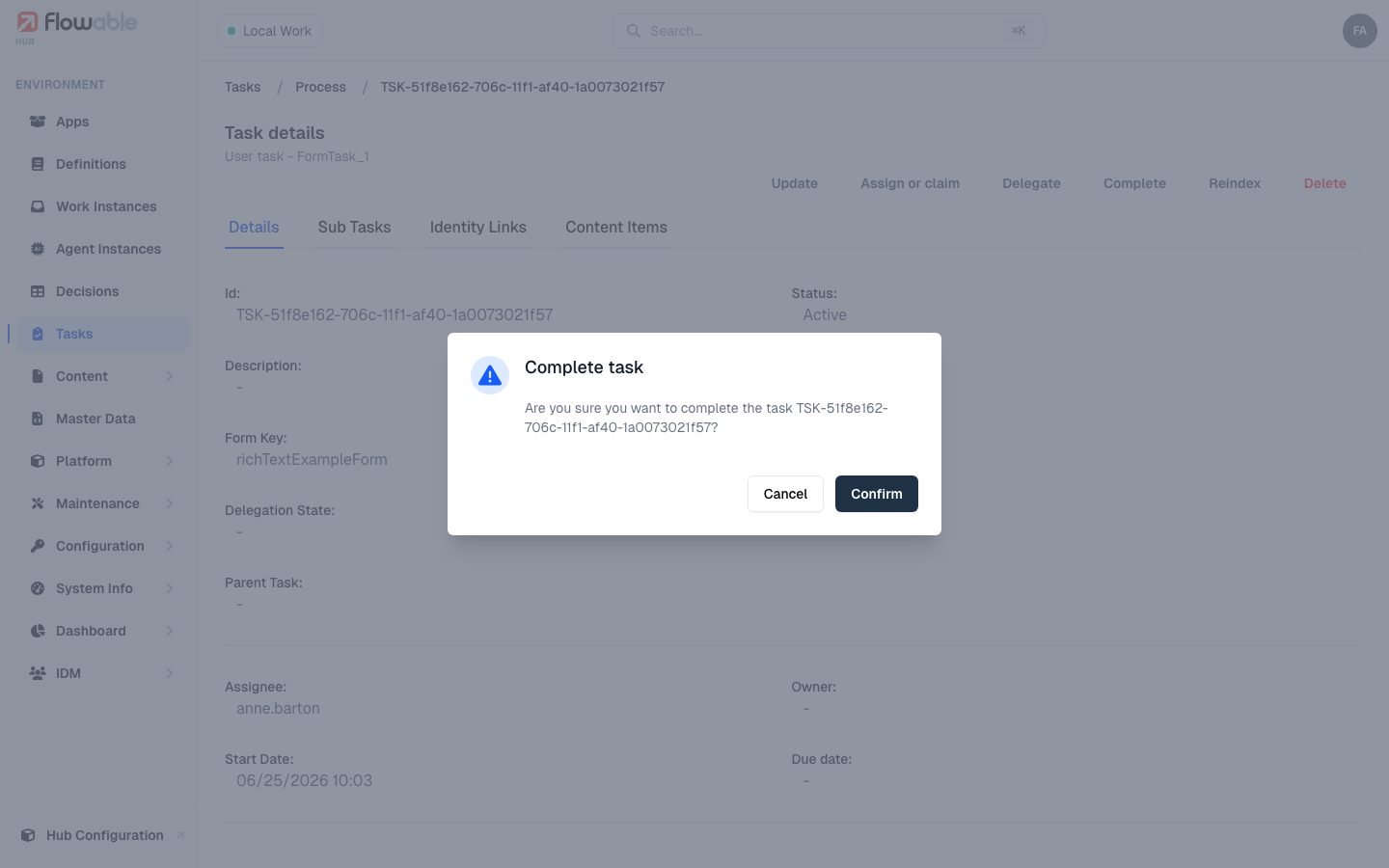
Complete finalizes a task after a confirmation prompt (hub:instance:task:complete).
Reindexing and deleting
Reindex refreshes the task in the search index (hub:cluster:reindex), and Delete permanently removes it
(hub:instance:task:delete) after a confirmation.