Sequence Values
A sequence generates running numbers for your applications — for example case reference numbers or invoice IDs. The Sequence Values view shows the current value of each sequence in the environment and lets you correct it when necessary.
Sequence value list
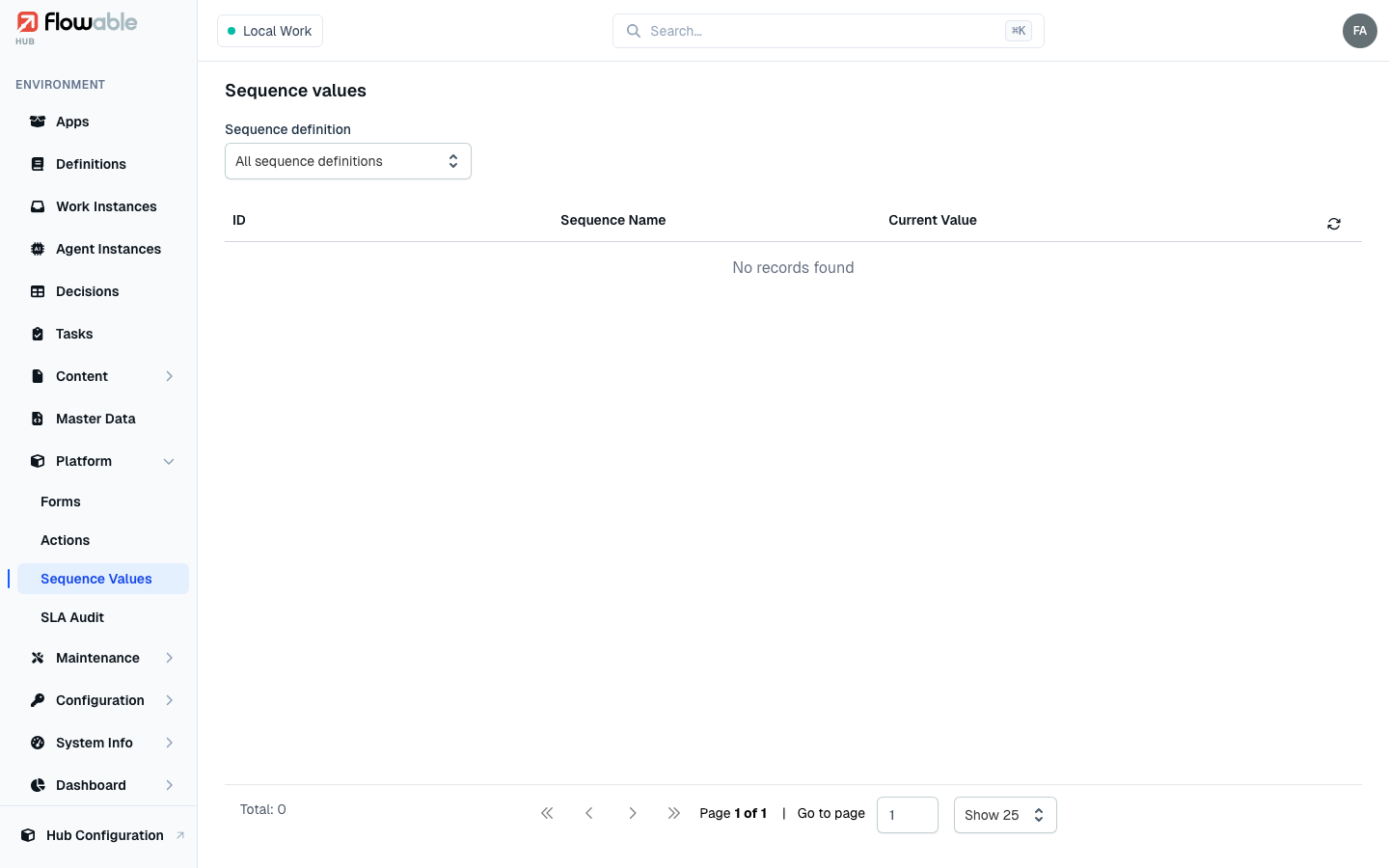
The list shows each sequence with its ID, Sequence Name and Current Value, so you can see where every counter stands and confirm that numbers are being issued as expected. Use the Sequence definition filter to focus on one sequence.
Adjusting a value
Each row offers inline actions for the rare cases where a counter needs to be corrected — for instance after a data migration, or to skip a range of numbers:
- Update sets the sequence to a new integer value (requires the
hub:instance:sequence-value:updatepermission). - Delete removes the stored value, so the sequence starts again from its configured beginning (requires
hub:instance:sequence-value:delete).
Change these with care — sequence values usually feed user-visible reference numbers, and moving a counter backwards can lead to duplicates. The same value and its inline actions are also available on the Values tab of a sequence definition. Sequence definitions themselves are authored in Design and deployed to the environment as part of an app.