Agent Connections
Agent connections configure how the environment reaches the AI providers and models your AI agents use. Each connection captures the provider, the model, any custom request settings, and the credentials to authenticate — so an agent model only has to reference a connection by key, and the operational details live in one managed place.
Agent connection list
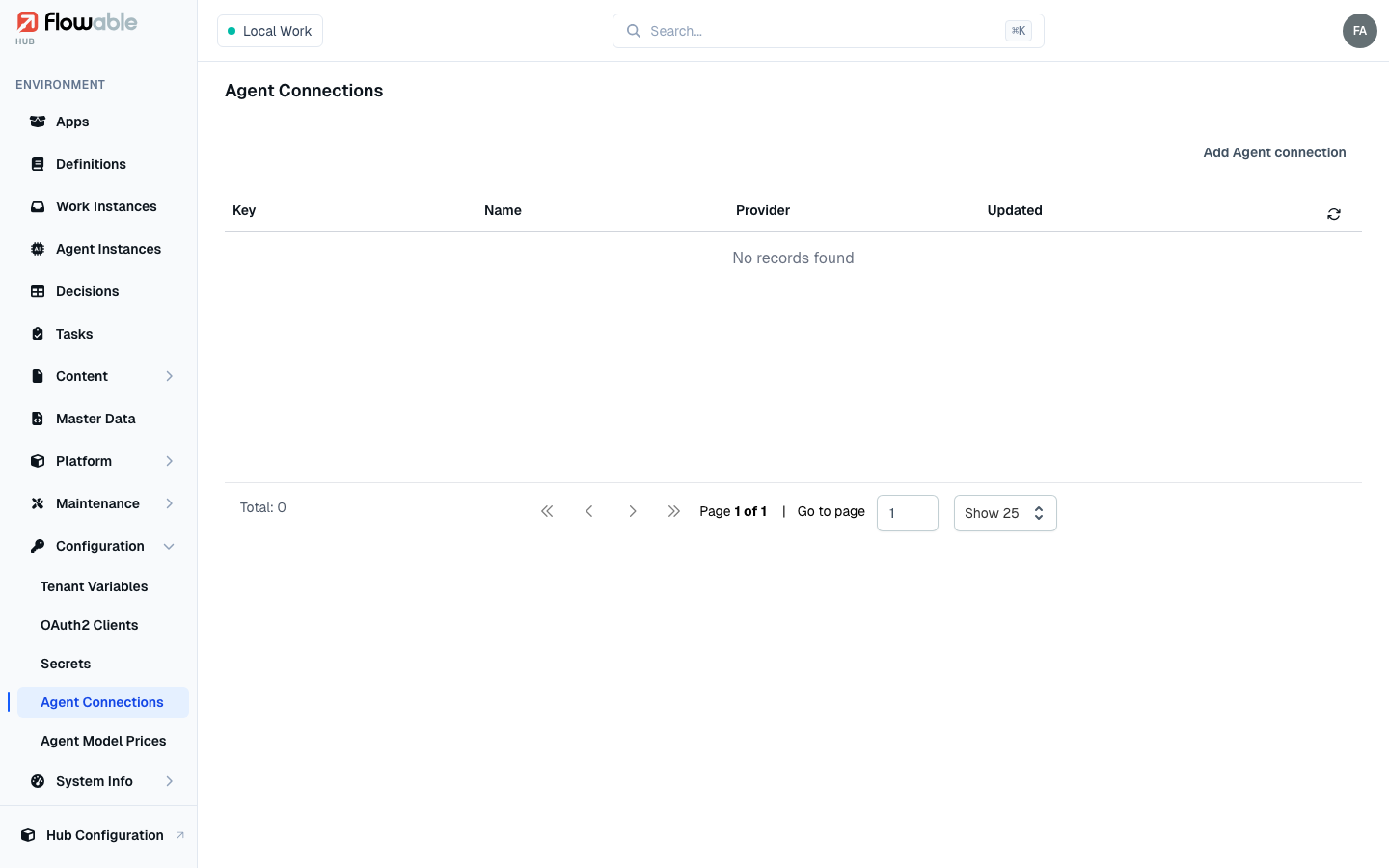
The Agent Connections view lists the connections configured for the environment, each with its Key, Name, Provider and last Updated time. Deleting a connection asks for confirmation and warns that any agents referencing it will fail to resolve until reconfigured.
Adding an agent connection
Add Agent connection opens a form organized into sections.
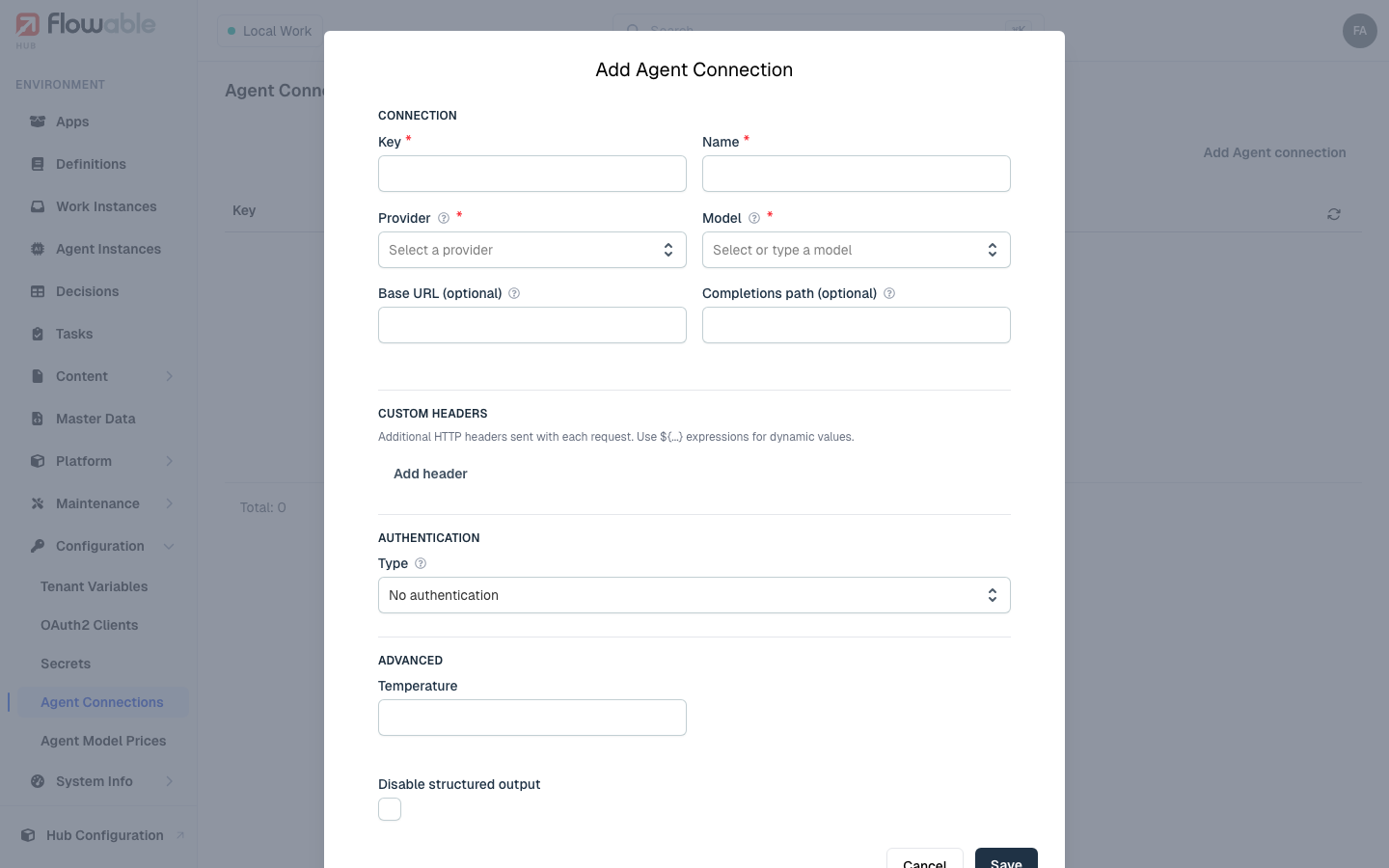
Connection. Give the connection a Key and Name, and choose a Provider — OpenAI, Anthropic or Azure Open AI. The remaining fields depend on the provider:
- For OpenAI and Anthropic, pick a Model (the field is a searchable list of that provider's models but also accepts a custom value), and optionally override the Base URL and request paths (completions, and for OpenAI also embeddings and responses).
- For Azure Open AI, supply the Deployment ID and Endpoint instead.
Custom headers. Add any extra HTTP headers the provider needs, as name/value pairs. Values may use ${...}
expressions for dynamic resolution.
Authentication. Choose an authentication Type — No authentication, Bearer, Basic, X-API-KEY or Custom Header (OpenAI defaults to Bearer, Anthropic to X-API-KEY). For the credential itself you pick a source: an Expression, a stored Secret, or — for Bearer and Custom Header — an OAuth2 Client. When editing an existing connection the stored credential is kept hidden; leave the value blank to preserve it, or use Edit to replace it.
Advanced. For OpenAI and Azure you can select the API type (Chat Completions or Responses), set a Temperature, and disable structured output if the model or use case requires it.
Built-in tools. OpenAI and Azure connections can enable provider-hosted tools — web search (with a search context size) and file search (with the vector store IDs to search and a maximum number of results).
The agents that use these connections are monitored under Agent Instances, and the cost of the models they call is configured under Agent Model Prices.