Secrets
The Secrets view provides secure storage for sensitive values used by the environment — API keys, tokens and credentials — so they never have to be hard-coded into models or configuration. Secrets are referenced by name from models, agent connections and expressions, and their values are never exposed back through Hub.
Secret list
The list shows the secrets defined in the environment by name only — for security, the values themselves are never displayed.
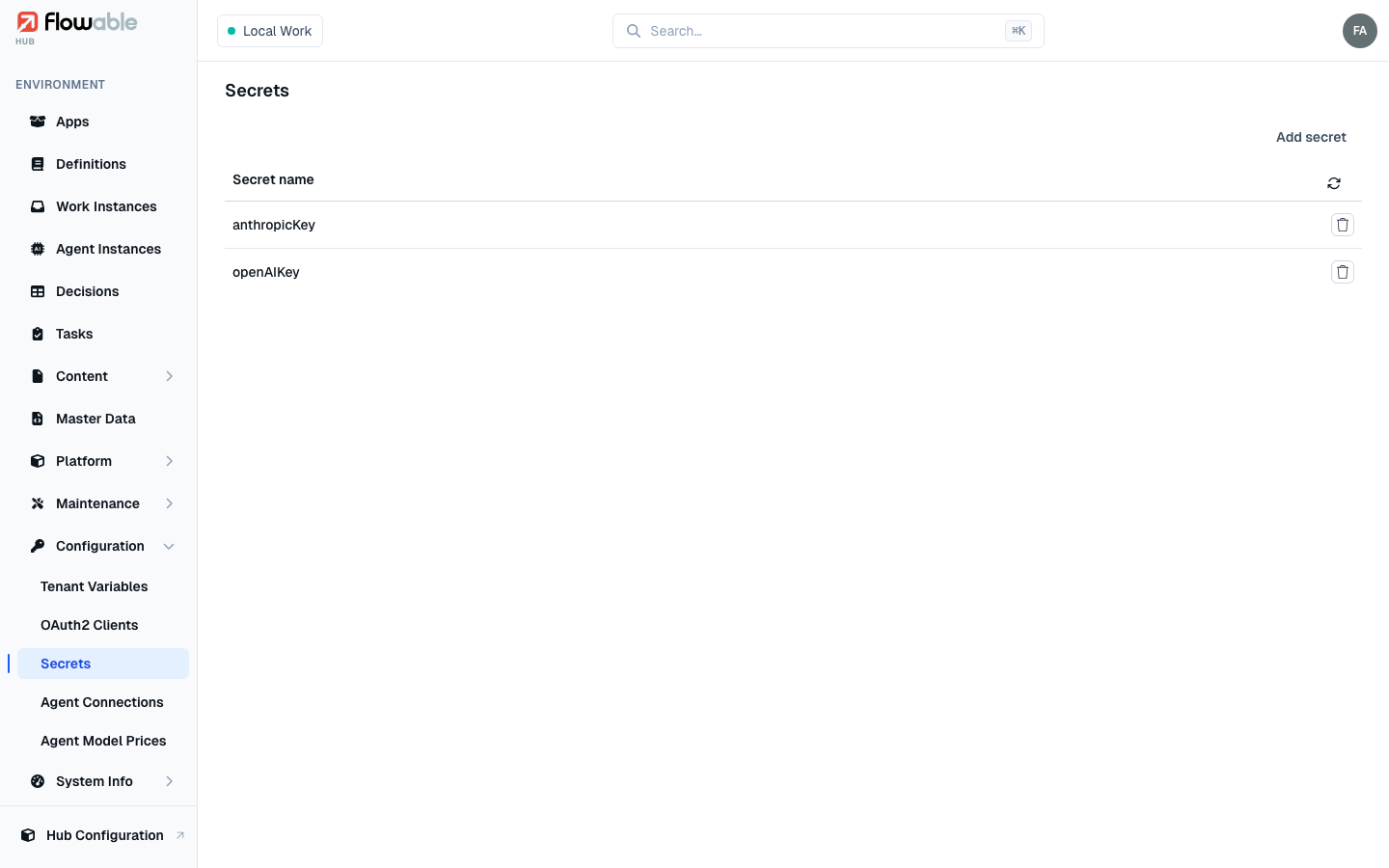
Adding a secret
Add secret opens a dialog for the secret's name, value and an optional description. You can enter a value or have one generated. Because Flowable stores the value securely, it is shown only once, at creation time — copy it before you confirm if you need it elsewhere.
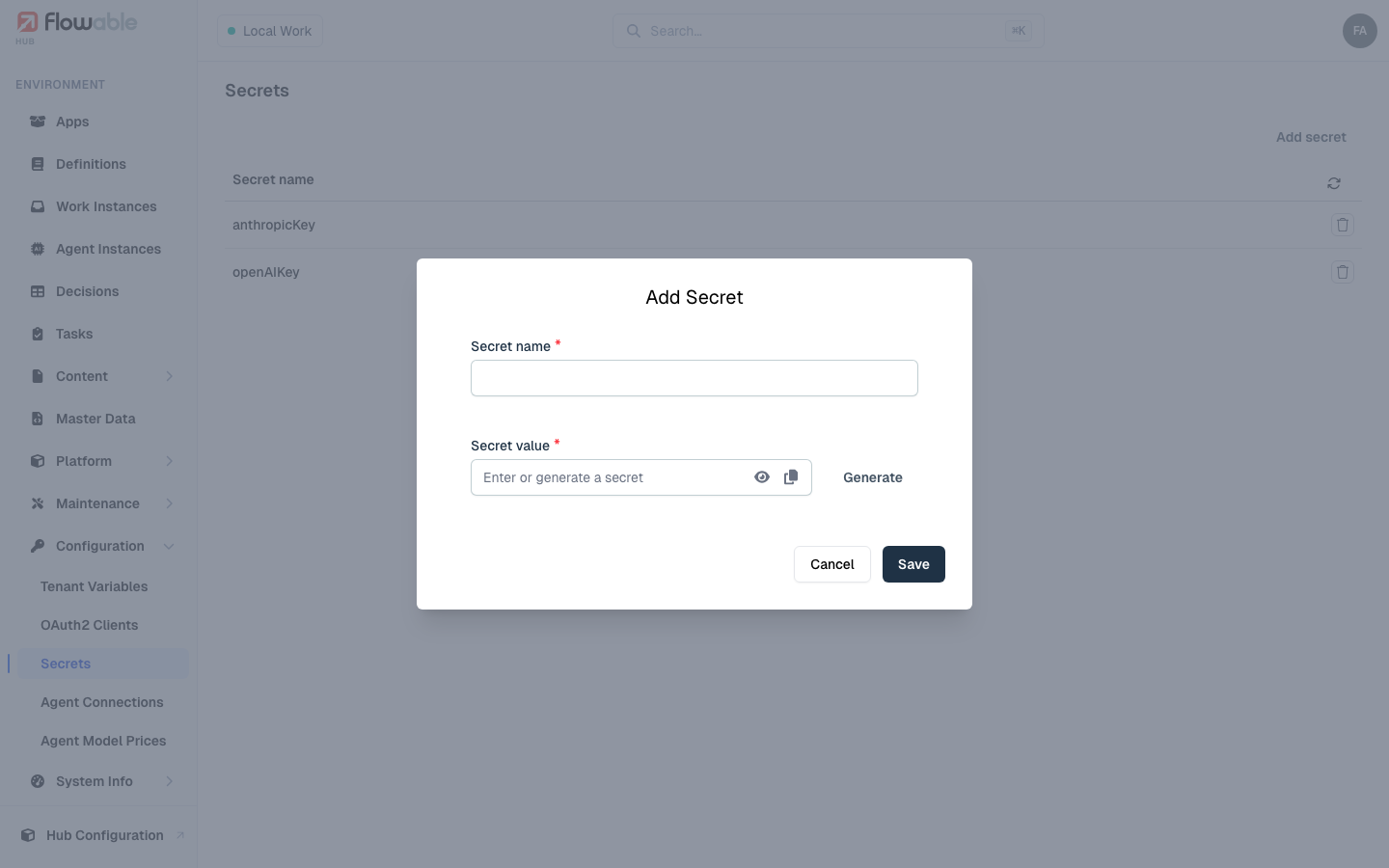
To change a secret, delete it and create it again; deletion asks for confirmation to prevent accidental removal.
Creating, viewing and deleting secrets are each governed by the corresponding hub:configuration:secret
permission.