Housekeeping
Over time a busy environment accumulates a large amount of historical data — completed process and case instances, their variables, tasks and history. Housekeeping is the maintenance machinery that cleans this up in a controlled way, keeping the database healthy and queries fast without you having to write SQL or touch the engine directly.
Housekeeping normally runs on a schedule configured for the environment, but Hub also lets you trigger a run on demand and monitor every run and the jobs it produces.
The housekeeping view
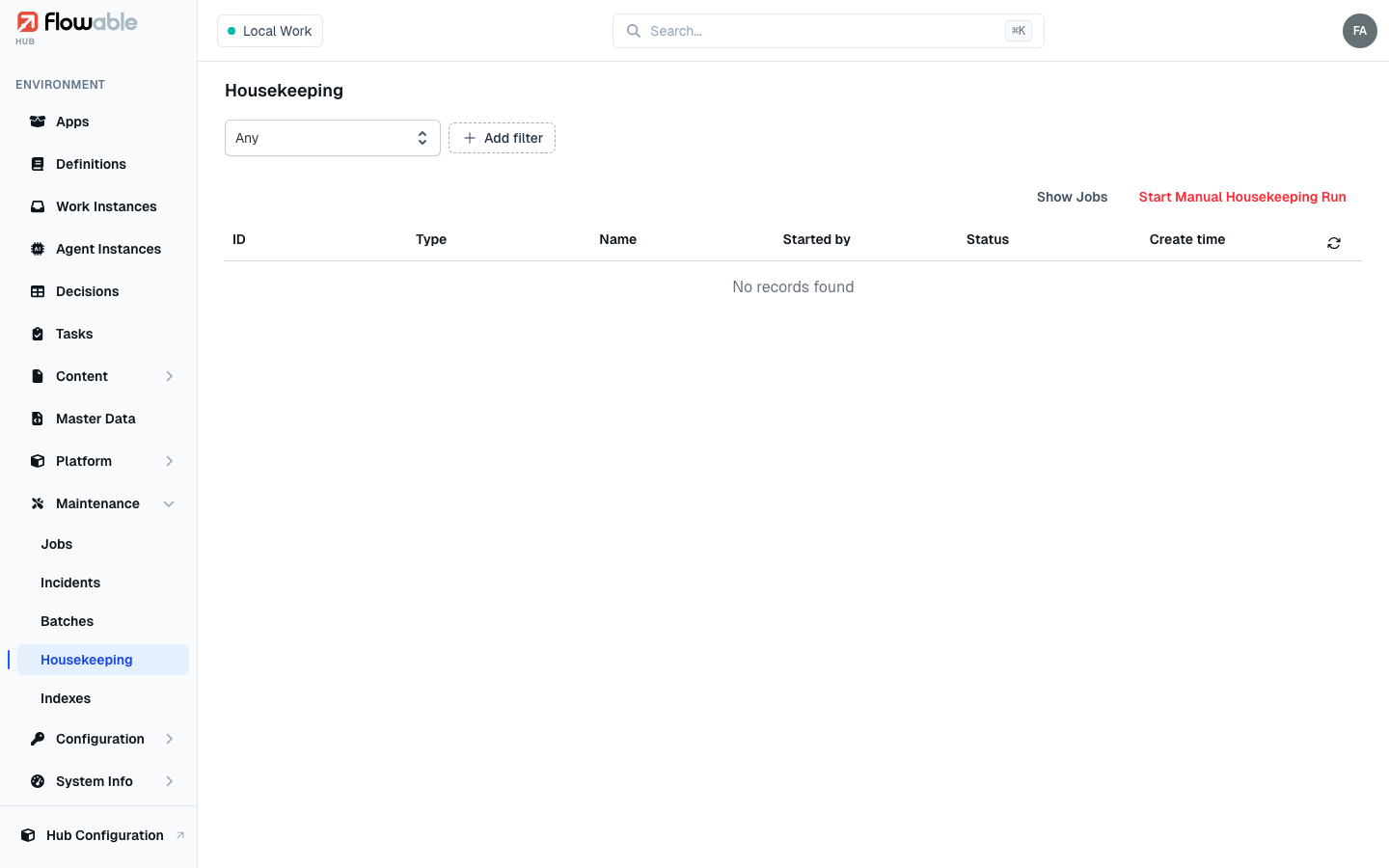
The Housekeeping view lists the runs that have taken place, each with its ID, Type, Name, Started by, Status and Create time. Filter by status (In Progress / Completed / Failed / Stopped), type or name, and use the two actions in the top-right corner:
- Show Jobs — jump to the background jobs housekeeping is executing, so you can watch the cleanup in progress.
- Start Manual Housekeeping Run — launch a run on demand (see below); requires the
hub:instance:housekeeping:executepermission.
Starting a manual housekeeping run
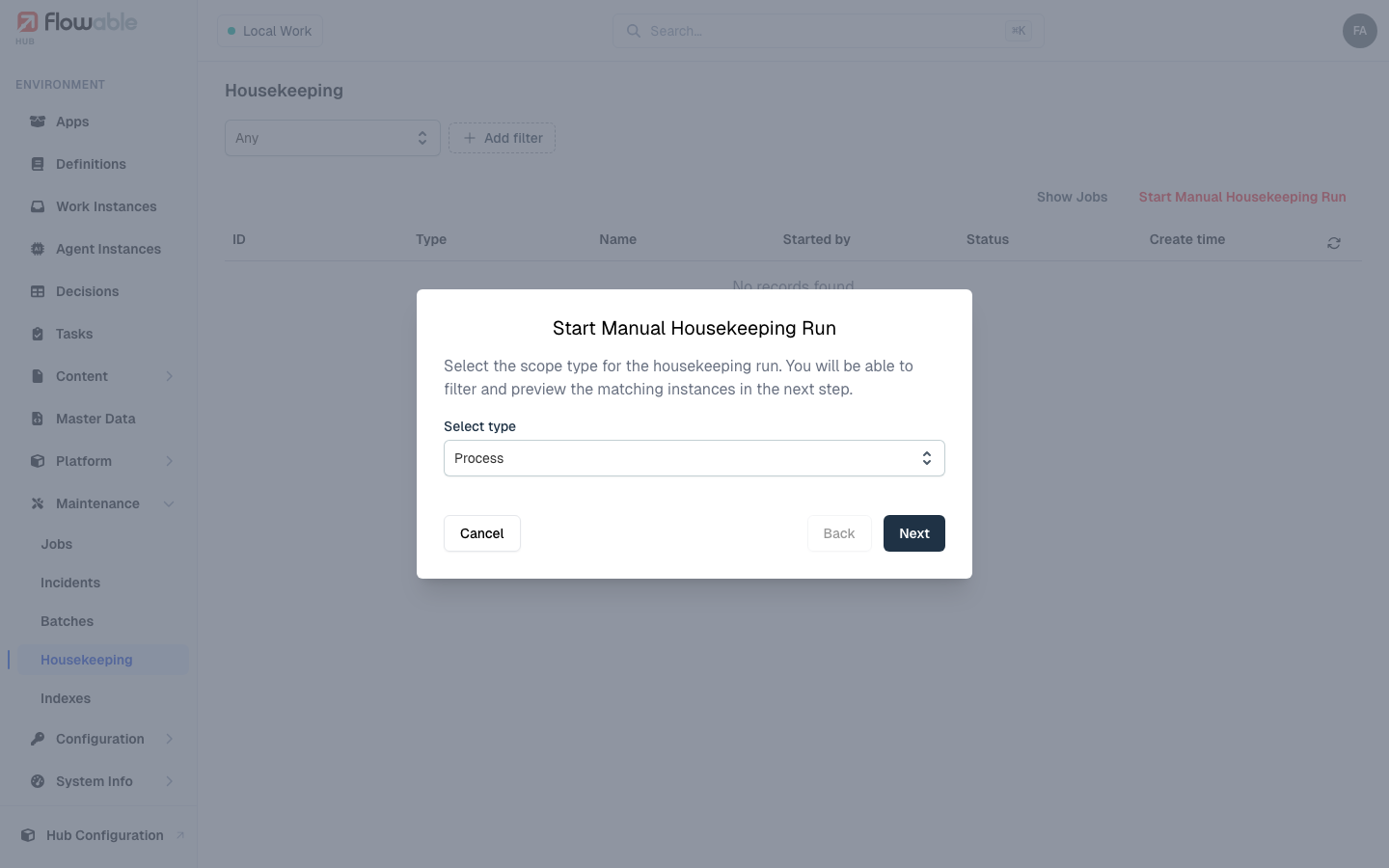
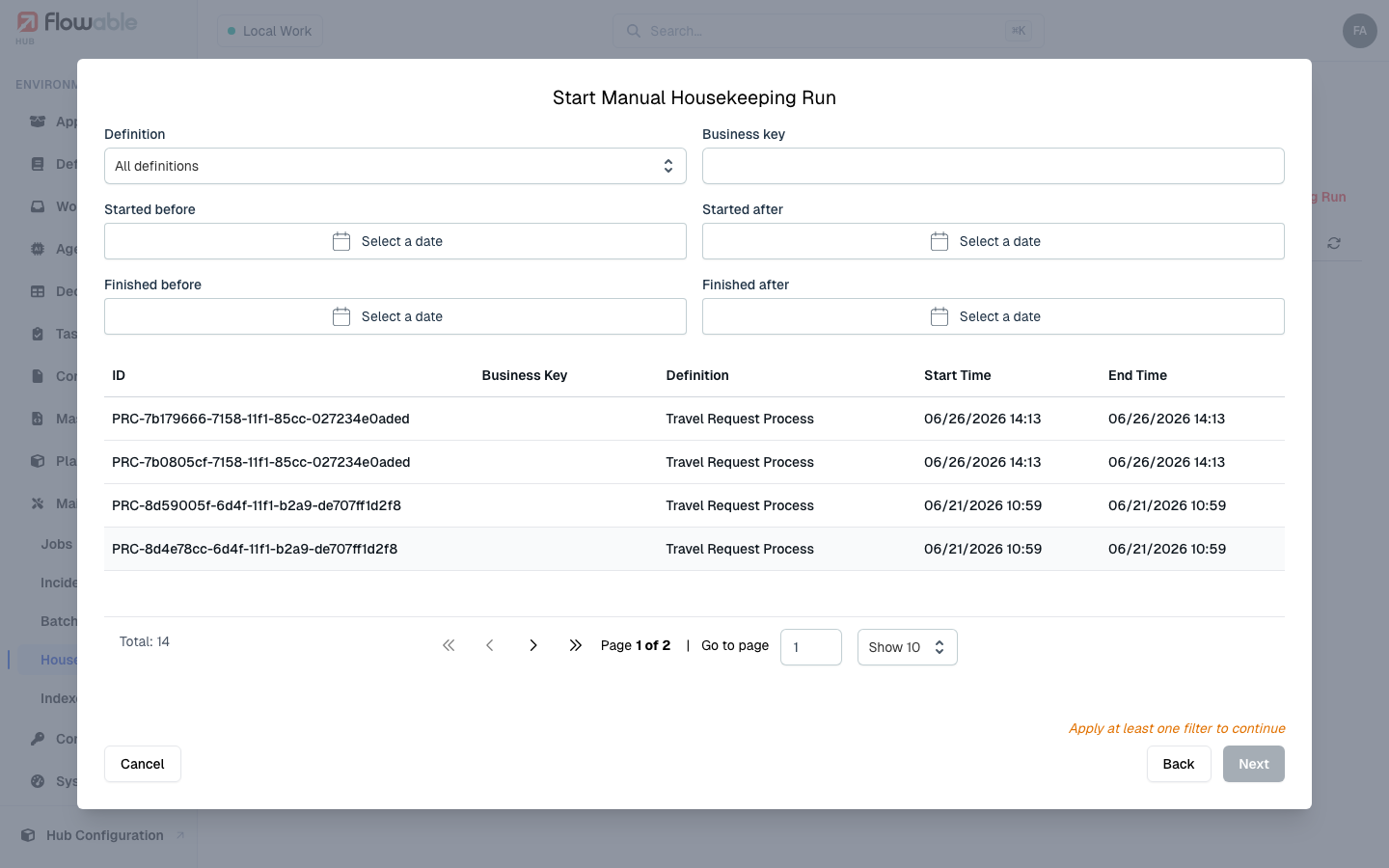
Start Manual Housekeeping Run opens a short, three-step wizard designed so you never delete blindly:
- Select type — choose the scope type for the run, Process or Case, which determines what kind of historical data it targets.
- Filter instances — narrow to exactly the completed instances you want to remove (by definition, business key, and start/finish date ranges) and see a live preview of the matching instances. You must apply at least one filter, and the run can only start when the preview finds something.
- Confirm — give the run a name, set the batch size (100 by default) and whether the parts run sequentially, then click Start Deletion.
Monitoring runs and their jobs
Once started, a run appears in the list and its detail view opens automatically. The detail shows the run's configuration and progress — a compute phase that works out what to delete and a delete phase that does it, each with its own summary and parts tab — plus the query it is using. While a run is in progress you can Refresh it and, if needed, Stop Run it (with the same execute permission).
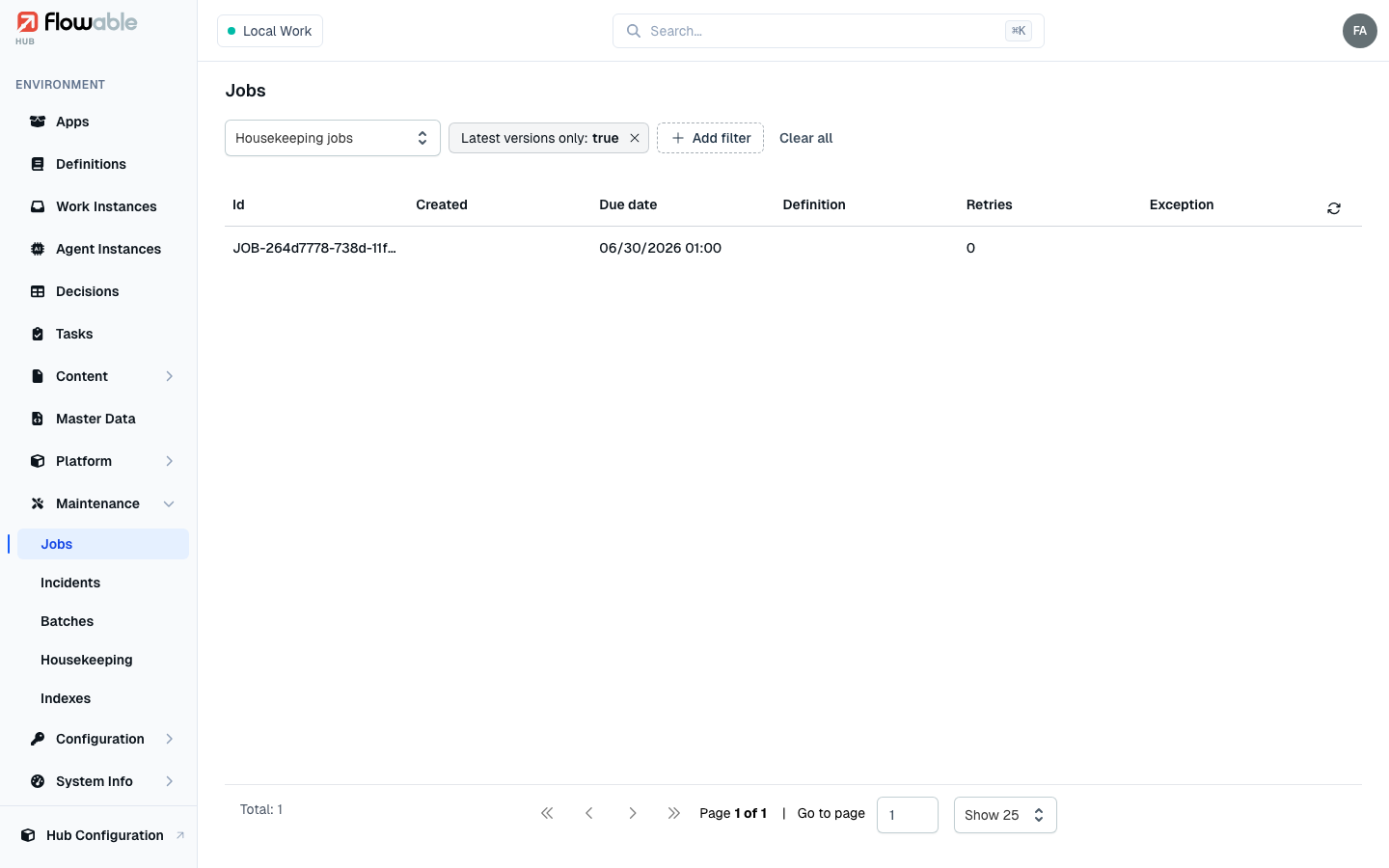
Use Show Jobs to watch the individual cleanup jobs it schedules — these are ordinary jobs processed by the async executors, so a large cleanup is spread across many background jobs rather than done in one blocking operation.
Because housekeeping is what keeps the history tables from growing without bound, it is worth checking periodically that scheduled runs are completing successfully — the Health dashboard and the housekeeping run statuses together tell you whether cleanup is keeping pace.