Batches
A batch represents a large bulk operation that the engine processes in the background, split into many smaller parts so it never blocks the system — a definition-wide instance migration, a bulk deletion of historic data, or an app-deployment delete. The Batches view lets you monitor these operations to completion and diagnose any parts that fail.
Batch list
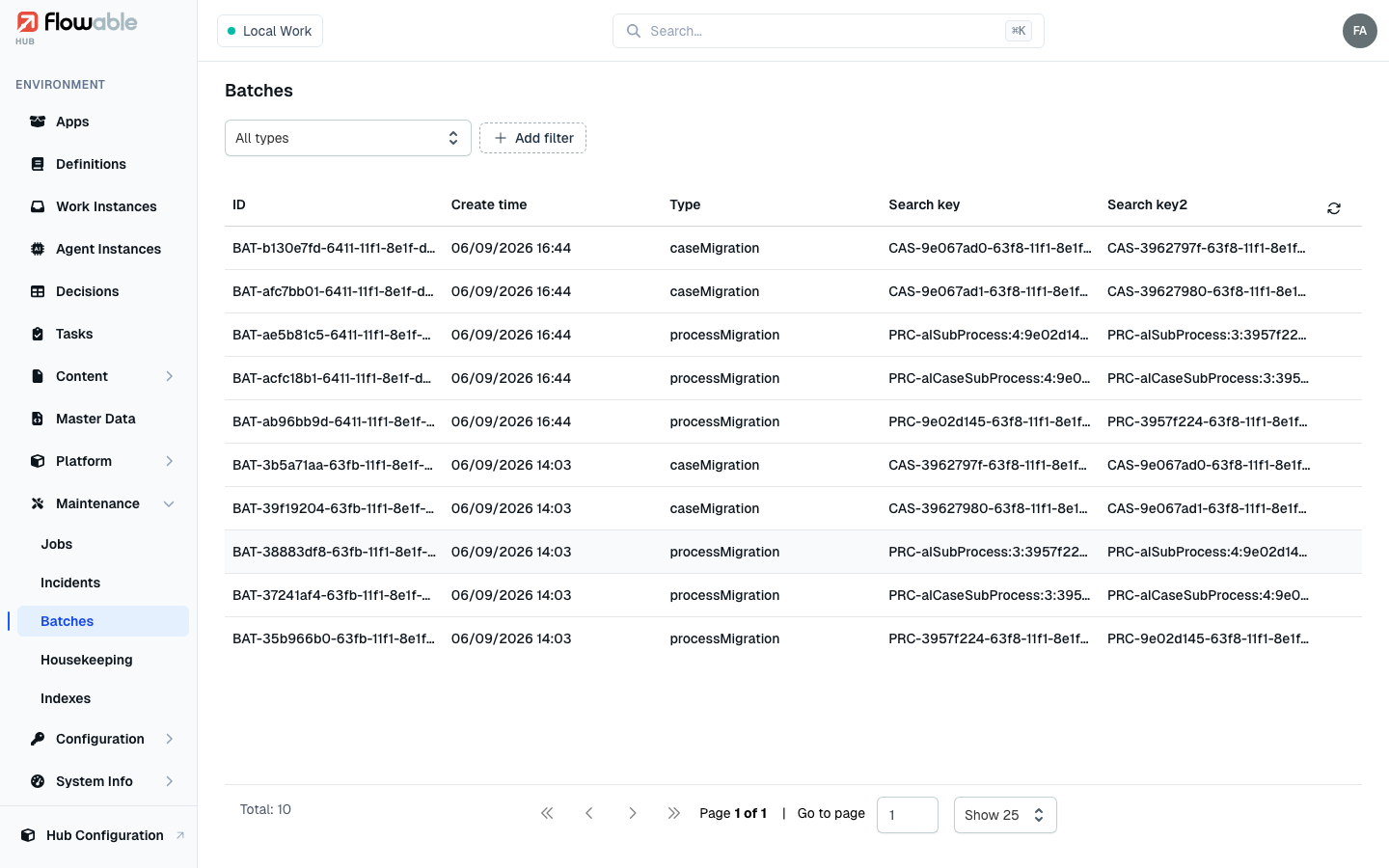
The list shows the batches in the environment, each with its ID, Create time, Type and up to two search keys that identify what it is working on (newest first). Filter by Type — Process Migration, Case Migration, their historic variants, Historic Process/Case Deletion, or App Deployment Delete — by ID, or by create-time range.
Batch details
Click a batch to open its detail view, which has several tabs:
- Details — the batch's type, status, create and complete times, and search keys.
- Batch Document — the batch's configuration document (the JSON describing the work it was created to do).
- Success Parts / Fail Parts — the individual parts, split by outcome, each with its ID, create time and the scope it processed. The Fail Parts tab is where you find out which items in a bulk operation went wrong and why.
If a batch needs to be abandoned, Delete batch removes it (requires the hub:instance:work:delete
permission) after a confirmation.