Indexes
When search indexing (for example with Elasticsearch) is enabled, Flowable keeps a search index in sync with the runtime data so that lists and searches in Work and Hub stay fast. The Indexes view lets you inspect the indexed documents and rebuild an index when it drifts out of sync.
Choosing an index
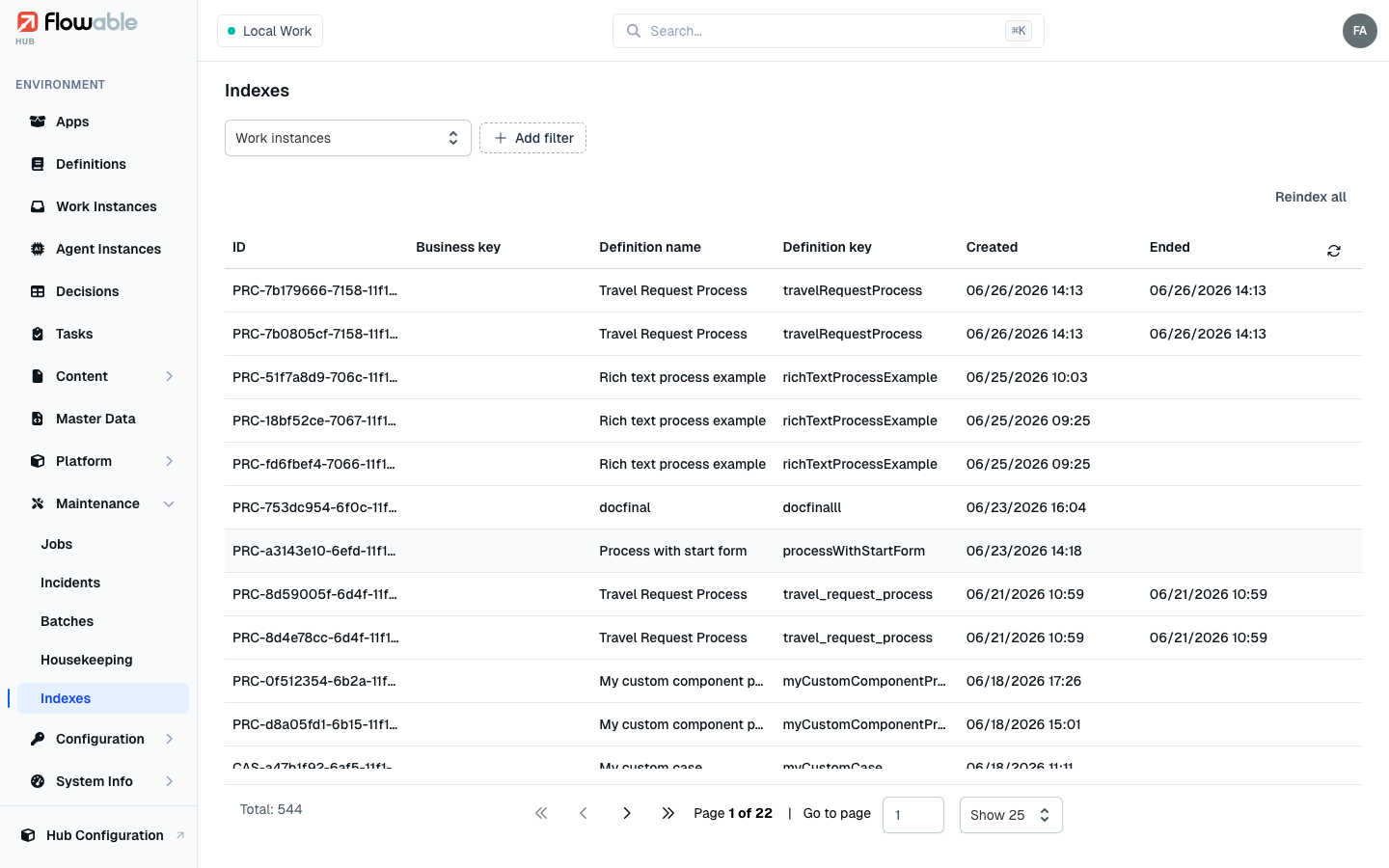
Flowable maintains a separate index per kind of data. A type selector at the top of the view switches between them — Work instances, Processes, Cases, Tasks, Content items, Users, Activities and Plan items. You only see the types you have permission to read (for example the Tasks index requires the task-read permission, the Users index the IDM-user-read permission), and each type brings its own columns and filters.
Inspecting an indexed document
The list shows the indexed records for the selected type. Click a row to open a panel with the raw index document — the exact JSON stored in the search backend — which you can search, copy and download. Comparing this against the engine data is how you confirm whether the index is faithfully in sync.
Reindexing
Reindex all (top-right, requiring the hub:cluster:reindex permission) rebuilds the whole index for the
selected type. It runs in the background and can take a while on a large dataset, so Hub confirms that the reindex
has started rather than blocking. Reach for it after a configuration change, after restoring data, or to recover
from a detected inconsistency.
You can also reindex a single record from its own detail view — for example the Reindex action on a work instance, a task, or a content item — which is quicker when only one document is stale.