License
The License view shows the license under which Flowable Hub itself is running and lets administrators install a new one. It is part of Hub Configuration and is available to Hub super-administrators.
The view has two parts:
- A License card with the key details — the licensee, the primary contact and the issue date — so you can confirm at a glance that Hub is correctly licensed. If no license is installed, the card warns that no license was found.
- A Product licenses table listing each licensed product with its version, expiry date and type, so you can see exactly which capabilities are covered and when each entitlement runs out.
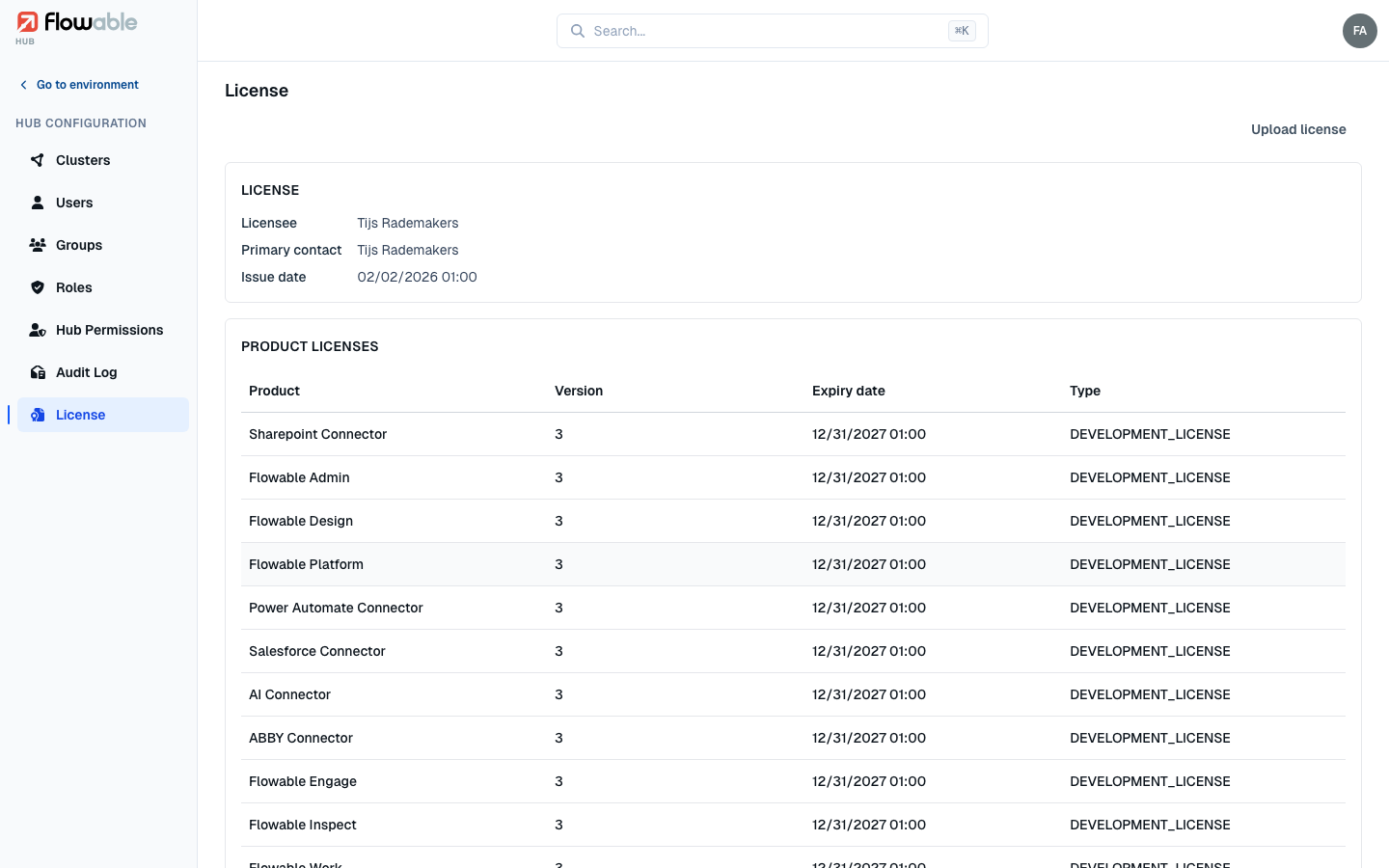
To install or replace the license, use Upload license and select your license file; Hub confirms once the new license is applied.
This page is about the license for the Hub application itself. To check whether a runtime environment is staying within its licensed usage — named and occasional users, root instances and agents — open System Info → License Info for that environment, which provides a full compliance overview.