Using Sequences
Creating a Prefixed Sequence Definition
In this example we create a sequence definition called "Invoice Sequence" that generates values like INV-00001, INV-00002, etc.
In the sequence editor, configure the properties as follows:
- Start:
1-- the first number generated is1 - Increment:
1-- each subsequent call increases the number by one - Prefix:
INV--- each generated value starts withINV- - Minimum digits:
5-- ensures at least five digits, left-padded with zeros
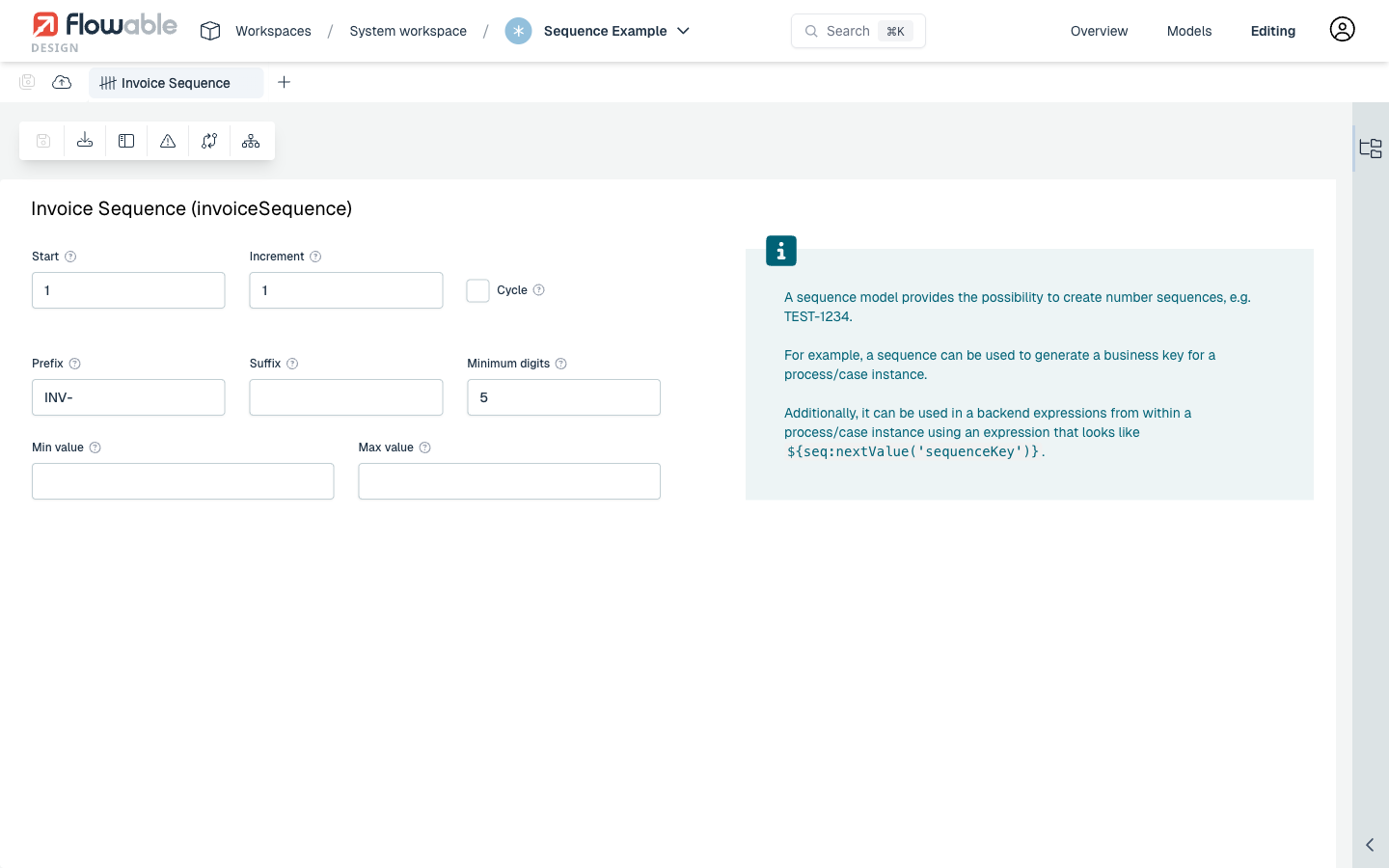
With this configuration, the first generated value is INV-00001, the second is INV-00002, and so on.
Using a Sequence in a Process
After creating the sequence definition, it can be linked to a process model. Open the process model in the BPMN editor, select the process diagram background, and navigate to the Details tab in the properties panel. Click the pencil icon next to Process Sequence and link the sequence model:
- Process Sequence: select the Invoice Sequence model
- Process Sequence Variable Name:
invoiceSeqVar-- the generated value is stored in this variable (required)
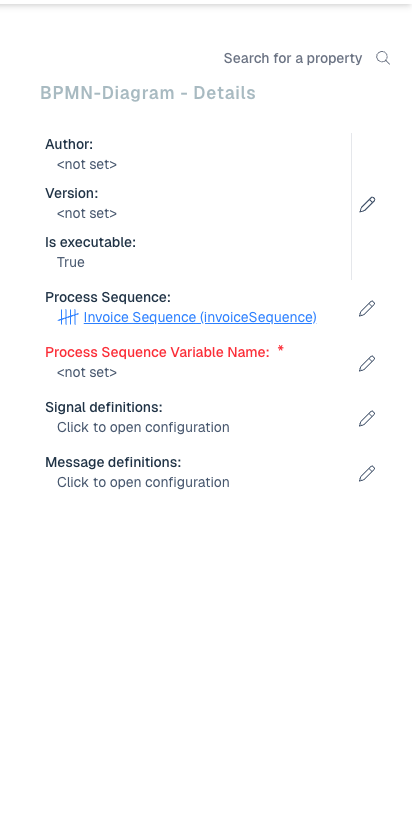
When a new process instance is started, the sequence automatically generates the next value (e.g. INV-00001) and stores it in the invoiceSeqVar variable. The Process Instance Name can be set in the General tab using an expression like ${invoiceSeqVar} Invoice.
Using a Sequence in a Case
Similarly, a sequence can be linked to a case model. Open the case model in the CMMN editor, select the case diagram background, and navigate to the Advanced tab in the properties panel. Click the pencil icon next to Case Sequence and link the sequence model:
- Case Sequence: select the Invoice Sequence model
- Case Sequence Variable Name:
invoiceCaseSeqVar-- the generated value is stored in this variable (required)
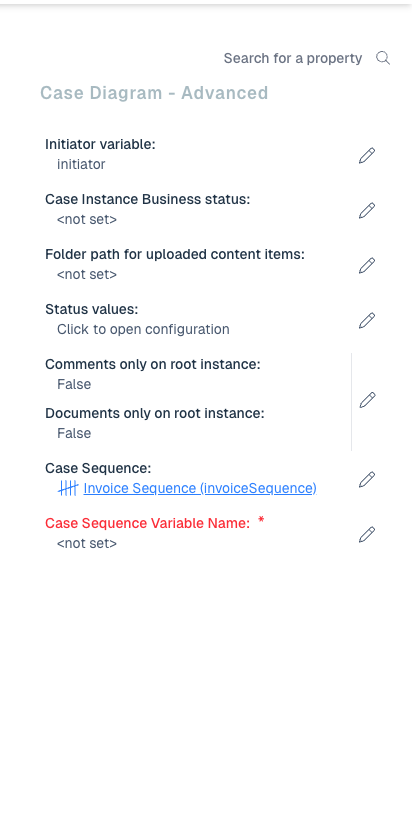
When a new case instance is started, the sequence generates the next value and stores it in the invoiceCaseSeqVar variable. The Case Instance Name can be set in the General tab using an expression like ${invoiceCaseSeqVar} Case.
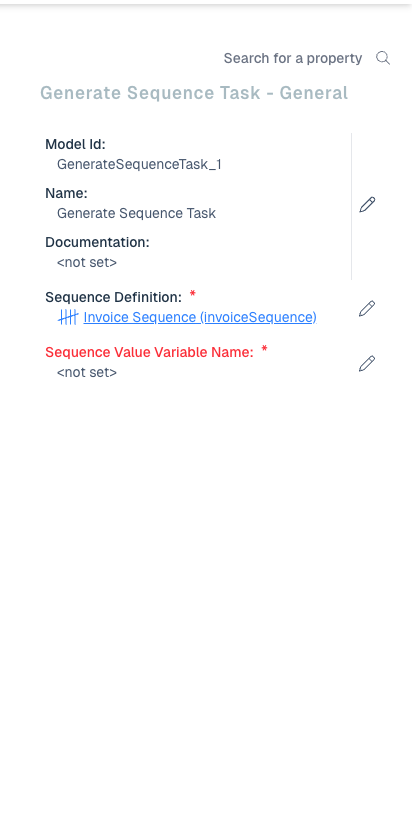
Using the Generate Sequence Task
In addition to generating a sequence value at process or case start, you can use the Generate Sequence Task to generate values on demand at any point during execution. The task is located in the Flowable Work section of the palette in both the BPMN and CMMN editors. You can find it by searching for "Generate Sequence" in the palette list view.
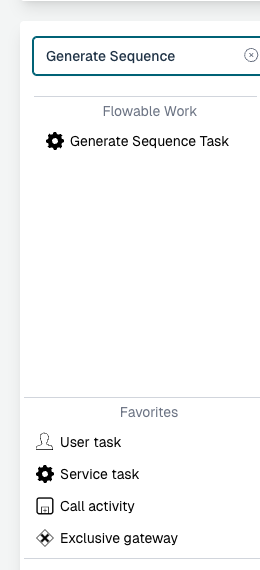
After adding the task to your model, configure the following properties:
- Sequence Definition: select the sequence model to use (e.g. Invoice Sequence) (required)
- Sequence Value Variable Name: the name of the variable in which to store the generated value (e.g.
sequenceVar) (required)