Editing Flowable Models
Editing the demo loan app
 warning
This tutorial is for an old version of the Flowable Trial. Flowable Design is now available as part of the Flowable Trial.
One of the best ways to get an understanding of what Flowable can do for you is to experiment with an example app. The models that define the sample loan app can be imported and modified. The loan app has a case with three stages that launches a process and some tasks. Usually, to import, modify or create case and process models you will use Flowable Design. You will need a self-managed installation of Flowable to access this. You can download the loan demo app from here.
Start Flowable Design from the self-managed landing page or using http://localhost:8080/flowable-design. Sign in with admin and test and you’ll be taken to the Apps page below.

The first time you use Flowable, you will get a warning that you need to add a valid license in order to actually create or start anything. So if you haven't already added a license in the Flowable Work UI, you'll be prompted to now.

To add a license, click on the Admin User menu at the top right of the page. This will show the menu below with some options that includes License management, which you should select.
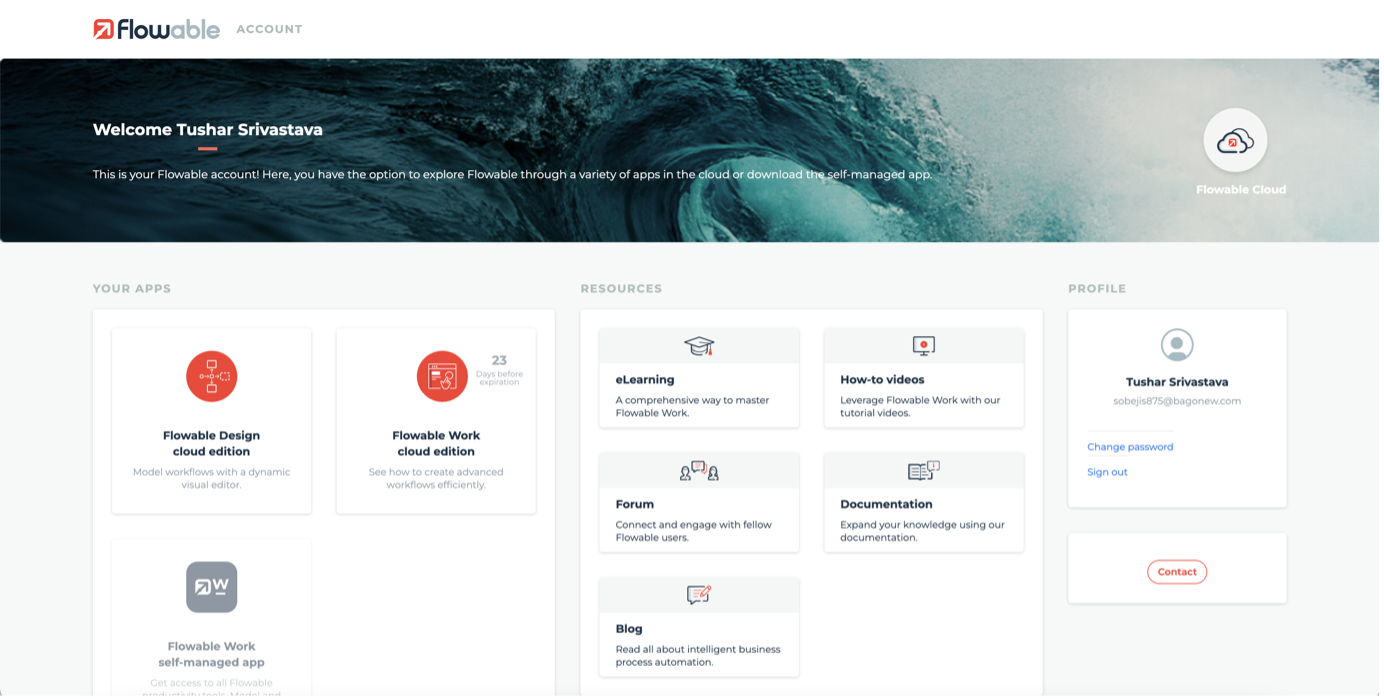
You can add or update the license by dragging and dropping a license file here, or by clicking the Browse/Choose file button and locating the trial license file you downloaded from the link in your trial email. You should now see the details of the license in the menu and actually be able to start doing stuff.
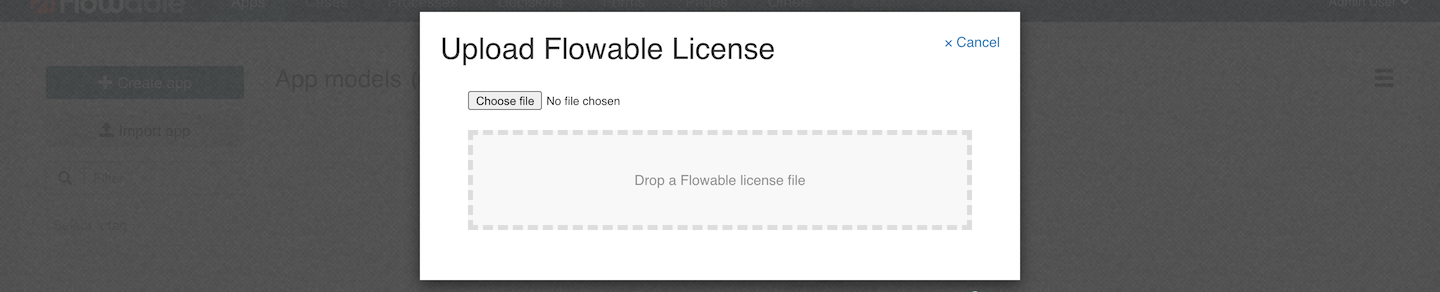
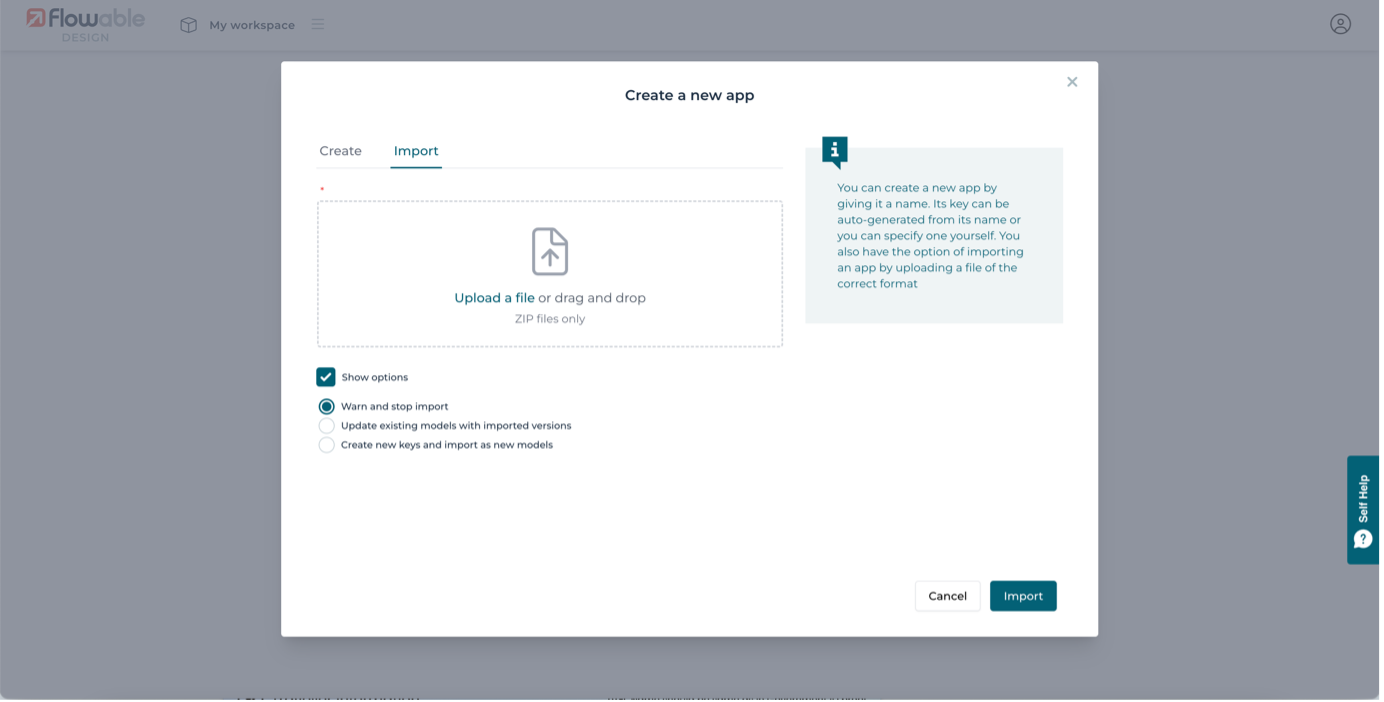
On the Apps page, click the Import app button and you be presented with the import dialog, leave it with the default options and click the Browse/Choose file button. In the file picker that pops up, navigate to the copy of LoanApp.zip you downloaded earlier.
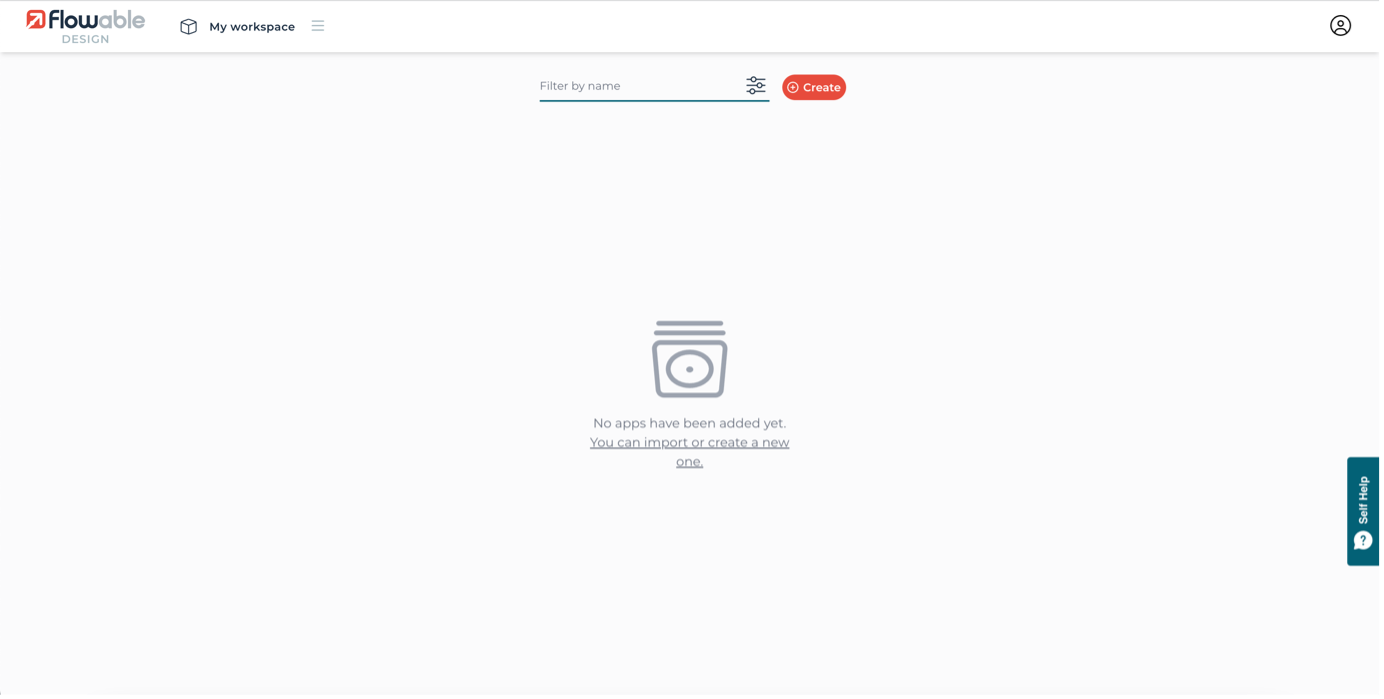
You should now see the details view of the imported app. There’s lots going on here but for now we just want to make this version of the app is active by deploying it using the Publish button in the top set of action buttons for the app.
Confirm publishing the app and it will now be available to run any of its case or process definitions. The self-managed trial has been configured so that the models are deployed directly to the Flowable engines, although typically this is only how you’d configure it for development and test purposes, not for production set ups.