Environmental Information
- Log into Flowable Hub and select the environment.
- Open System Info in the left-hand sidebar and select Environment Info.
- Click the Download JSON action at the top.
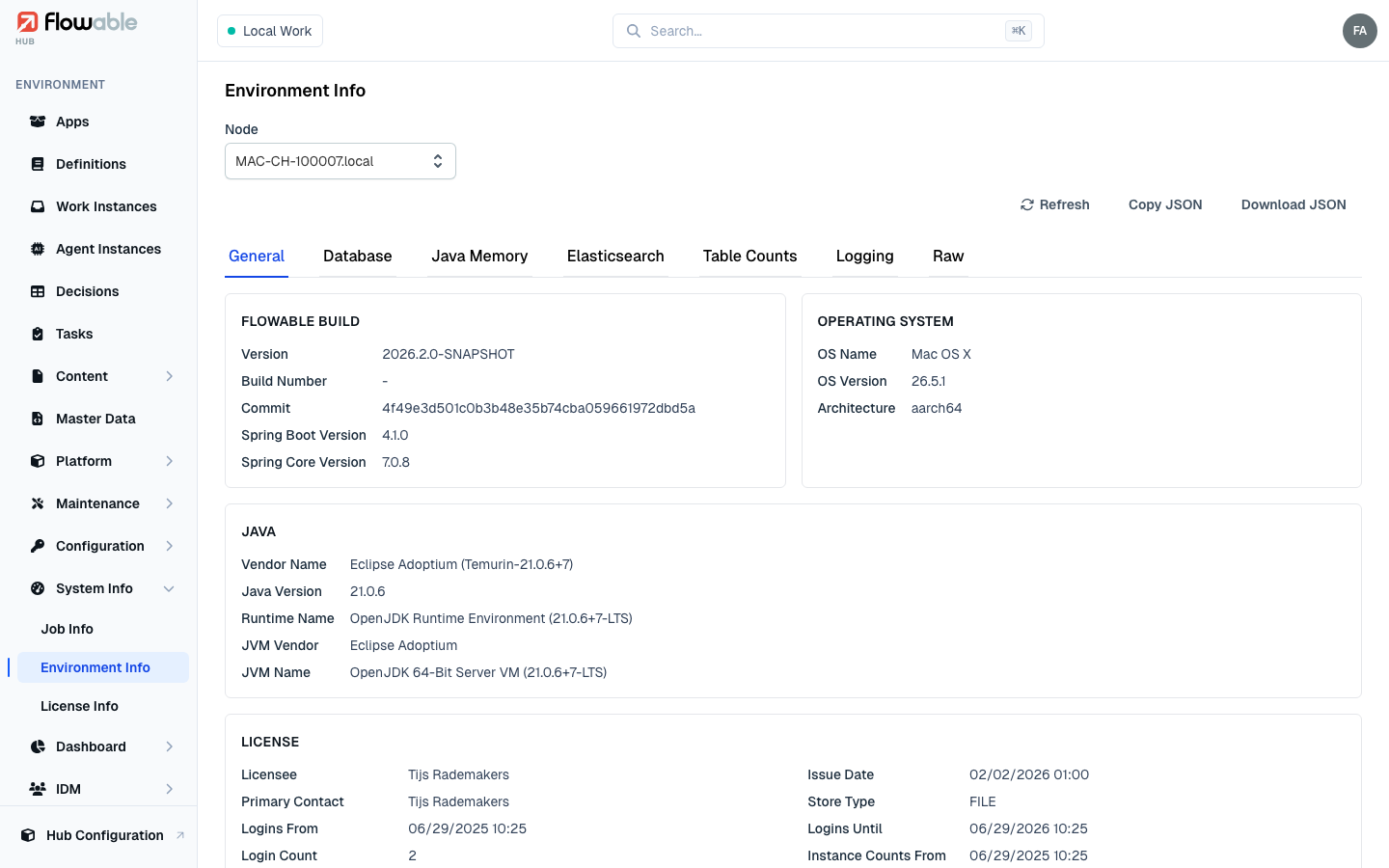
This will give you all the Environmental Information in a .json file.
If you want to learn more about the information that is provided here you can read in the System Information section and the Hub System Info documentation.
 Flowable Control (deprecated)
If you still use Flowable Control, open System Info in Flowable Control and click Download File.